Hi everyone
I am planning to get an android 6 "tablet, my purpose is to install and use eudic (mdict dictionary)+ einkbro(web browser). Is the device’s 2gb ram big enough for this dictionary?
Hi everyone
I am planning to get an android 6 "tablet, my purpose is to install and use eudic (mdict dictionary)+ einkbro(web browser). Is the device’s 2gb ram big enough for this dictionary?
I use Likebook(博阅) Ares, a 8 inch machine with 2 G ram. 2 G ram is enough, if you just use it to read books and some times surf the internet. (but surf the internet would be a bit slow, because e ink device is not as fast as smart phone.)
Dictionaries in Mobi or stardict format can be identified by my machine’s own system, and the look up speed is quick and acceptable. So I don’t use eudic, even I’ve installed one.
BTW, Boox(文石) can identify MDX format dictionary, so it would be much more convinient. I see your other reply, and it seems you have strong demand of using OALD on e ink table. It’s obvius that getting a MDX is much easier than a Mobi one. So you can consider about Boox.
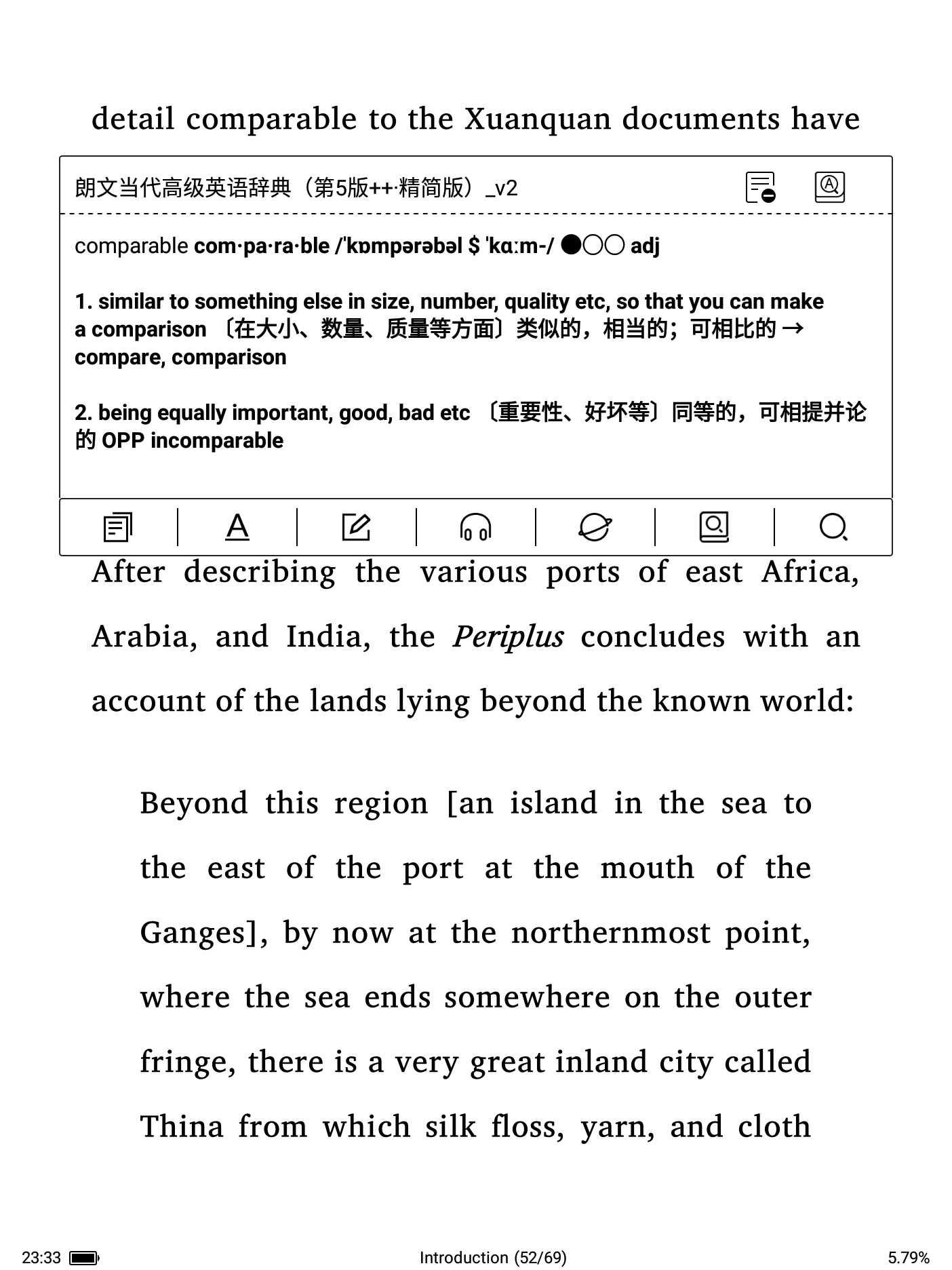
LDOCE5 on my machine:
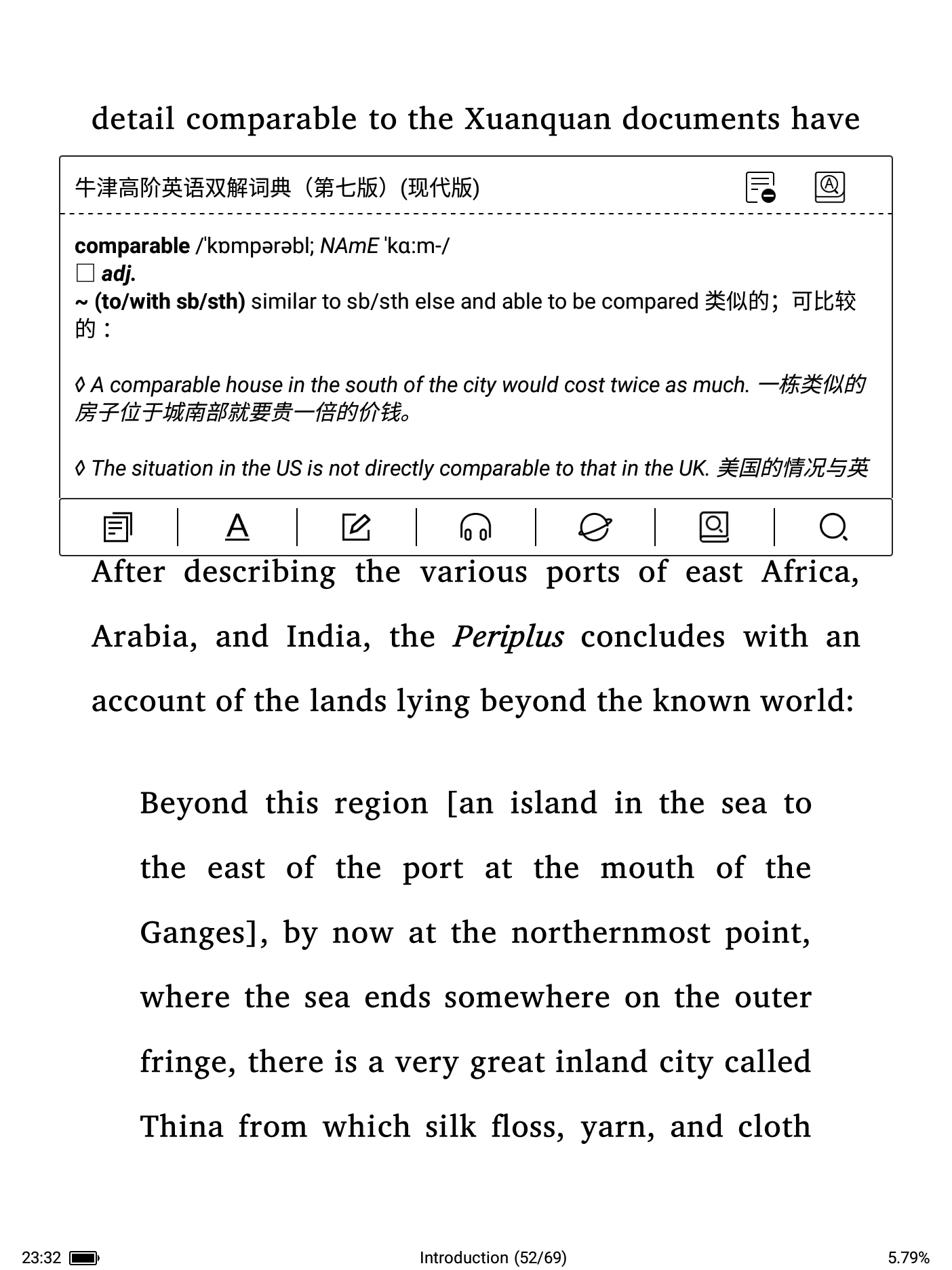
牛津高阶双解, which is a hybrid of OALD7, COD9, and Ultimate ECDICT.
It’s manageable, yet, but barely. So don’t get your hopes too high. I mean, it may take a few seconds to shift between your book and the dictionary app - enough to totally turn you off.
Pan.
Thank for the input. I am trying very hard to move away from my desktop or phone to protect my eyes.
Sometimes I need to read news articles on web browser. Will the web browser on your e ink tablet/ einkbro give you an instant lookup when you long tap on a word on a web page?
Sometimes I need to browse the dictionary from A to Z but the built-in dictionary or eudic app does not allow me to do that. Do you have any third party dictionary apps(.apk) installed in your device? For example
Oxford Advanced Learners dictionary 10.apk downloaded from
https://liteapks.com/oxford-advanced-learners-dict.html
How is its performance on your e ink tablet? I use this standalone dictionary a lot on my phone and love it very much. Thanks.
Thanks for the warning. Can’t the Eudic show instant lookup definition without leaving your book?
It is possible to do that on android mobile phone. But I am not sure whether it is possible on e ink tablet. Thanks
Do you have any standalone dictionary app(apk.)installed on e ink? I want to know how well they performon e ink. I am trying hard to move away from mobile phone.
I installed Eudic on my e ink, but I hardly use it. Because I only connect to internet to download books or sync my reading notes to cloud, the build-in dictionary app is sufficient for me.
As pan said, Eudic would probly act slow on such a machine many years ago. In my case, it takes 2-3 seconds from long-tap the word to pop-up showing its meaning and I just mount only 1 mdx (SIO) in Eudic. (build-in app would be slightly faster, 2-3 seconds as well, but I have mounted about 30 mobi in it.)
Besides, when I want to read the dictioinary from A to Z, I prefer using my Kindle, because Android e ink would hide the dictionaries. Kindle does this job well. You can open a dictionary easily like a normal book, then you can brows and read it continuously, you even can invoke a dictionary when you’re reading a dictionary! 
OALD on my kindle, and invoke a OALD in OALD:
Thanks, I think the third party apps on e ink is not the perfect solution. I will stick to my slow old kindle pw4 and upgrade to pw7/8/9 in near future.
Where did you download the oald7 (enhanced version) for Kindle? Can you share it?
It’s not a pure oald actually. I got it in this forum, you can check the link.
Hi Andy,
I am sure it can. The problem is that any Android device with 2GB onboard ram can’t be too robust with its CPU, either, meaning it won’t operate as smoothly as you may wish, i.e. it will always take a moment longer than you’d wish to execute your order, enormously ruining user experience. So much so you’d likely give up on it all together.
As I said, it works, but barely. And it seems obvious that Eudict takes much more memory while running than DictTango, most likely because it has way more functionalities than DictTango. It runs without any problem on my phone, though, the caveat being that my phone comes with 16GB Ram.
Why not try DictTango? It’s a lot more memory-efficient. But 2GB Ram is really a bit on the short side.
Good luck,
Pan.
Again, try DictTango. It comes with a “Dictionary Reading Mode”, which sounds like just the doctor ordered for you.
Yup, the reading mode on dictango is exactly what I need. But it is not as perfect as the official OALD10/9 standalone android cracked apk:), Google and get the cracked apk.
I am not sure if this dictionary apk is a lightweight app. can you test these apk on your e ink. I would appreciate that if you can make a video for me to see how well it perform on e ink. Thanks.
Well, you know the whole Google package is blocked here.