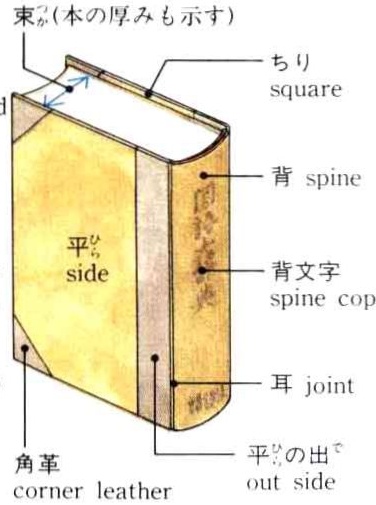
之前我尝试安装过,结果失败了,我以为是缺数据,因为这个iso太小了不正常,后来发现是没有正确把虚拟硬盘格式化为ps2的格式,PS2版本身似乎没有原版的大量插图。
这次试了下ai辅助逆向,发现非常好用,从bin里面解压了压缩数据包和可执行文件,然后配置ida的mcp server,后面直接全部交给ai处理,然后调整几次指令ai直接就分析完然后写好代码了,下面是ai输出的格式分析文档。
PS2 gj1.arh & gj1.arz Archive Reverse Engineering Walkthrough
1. Finding the Archive Parsing Logic
The objective was to reverse engineer gj1.arh and gj1.arz. By searching strings in the binary (SLPS_201.16) within IDA via idassistmcp, load_archive (at 0x142398) was located. It verifies two signatures:
Tracing how buf_arh is utilized led to sub_102C60 and sub_103C90, which opens the archives, followed by sub_142530 that looks up files by name.
2. .arh Header Format
The *.arh file acts as an index directory structure:
0x00- 4 bytes: Magic signatureadzh0x04- 4 bytes: Number of index blocks (UInt32)0x08onwards: Records containing entries for internal paths. Each record includes:
3. .arz Block Internal Format
Inside .arz, at the offset designated by .arh, lies a directory block mapping file names to raw data:
- Repeating null-terminated entries.
- Immediately following the null-terminator:
- 4 bytes (UInt32): Absolute offset to the file data inside .arz.
- 4 bytes (UInt32): Size of the file chunk.
- 1 byte (UInt8): Compression flag (
0= Uncompressed,1= Compressed).
4. Uncovering the Compression Algorithm
The user provided a hint that the data is compressed. I analyzed the read_file wrapper logic and sub_1040E0, encountering the decompression function at sub_143B20.
The algorithm is a custom variant of LZSS:
- XOR Encryption: The compressed payload (starting at offset
0x08) is XORed with0x72. - Header: The first 8 bytes contain metadata. Specifically, offset
0x04(4 bytes) dictates the original decompressed size. - LZSS Parameters:
- Sliding window (ring buffer) size:
4096(0x1000) bytes, initialized to0x00. - Initial write position:
4078. - Control byte flags read incrementally. If the lowest bit is
1, a raw byte is outputted. If0, a2-byteLZSS back-reference is read (Offset=12 bits, Length=4 bits+ 2).
- Sliding window (ring buffer) size:
5. Reverse Engineering the .agi Image Format
After extracting the .arz blocks, many of the visual assets possessed the .agi extension.
Inspecting the binary layout of these files reveals that they represent raw PlayStation 2 Graphical Synthesizer (GS) texture mappings:
-
Header (48 bytes):
- offset
0x08: File offset to pixel data. - offset
0x0E: Format Flag (0x13= 8-bit indexed,0x14= 4-bit indexed). - offset
0x18: Width (4 bytes). - offset
0x1A: Height (4 bytes). - The rest consists of memory-mapping relocations handled by PS2 hardware.
- offset
-
Pixel Data: Stored directly starting at the
Pixel Offset. It is entirely linear.
- For 4-bit images, nibbles encode indices pixel-by-pixel.
- For 8-bit images, full bytes encode indices.
- Palette Data: Stored immediately following the pixel data chunk.
- 4-bit: 16 colors (64 bytes).
- 8-bit: 256 colors (1024 bytes). PS2 256-color palettes are ‘swizzled’ in blocks of 8 entries, so the index mapping requires swapping bits 3 and 4 of the color index lookup.
- The PS2 alpha channel (
A) only ranges from0to128(translating128→255in modern RGBA).
6. Verification
A Python script ([extract_arz.py](extract_arz.py)) was developed that fully parses the .arh index, reads the .arz block tables, unpacks the custom XOR+LZSS scheme, and writes out standard, uncompressed assets. Successfully extracted 5759 files into the extracted_decomp_gj1 workspace folder.
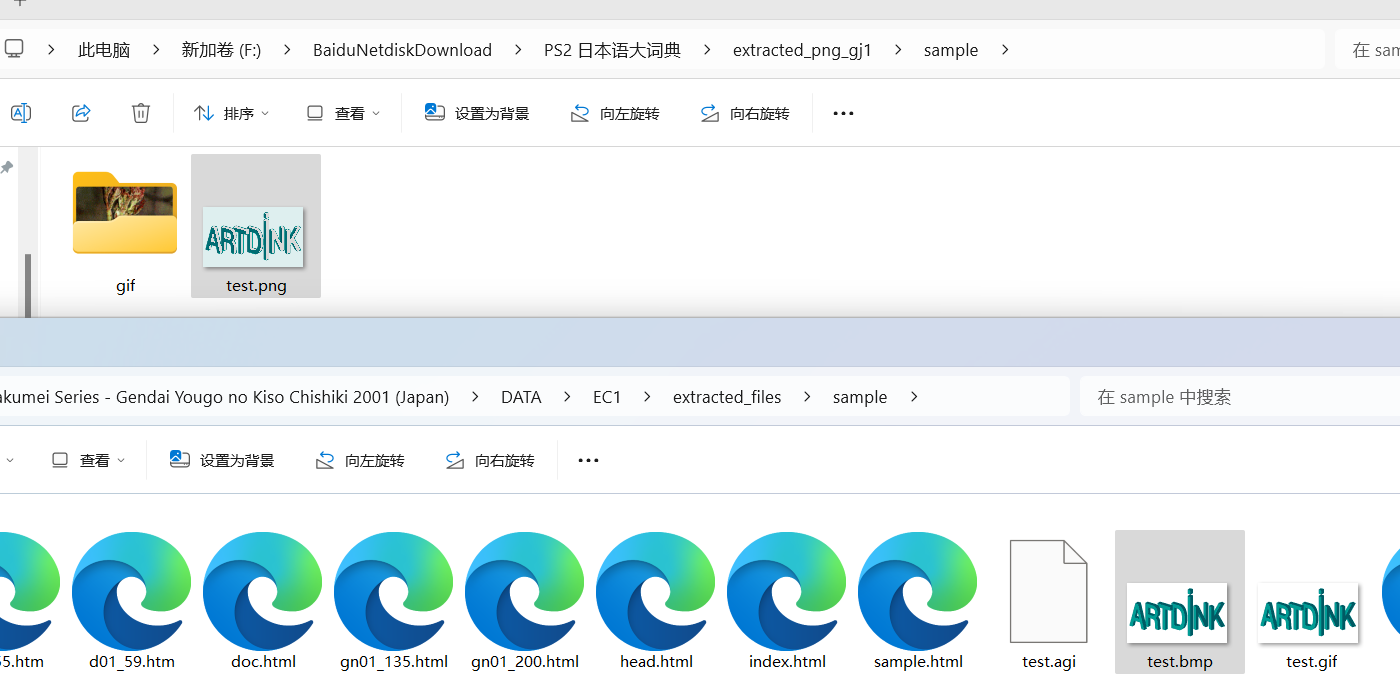
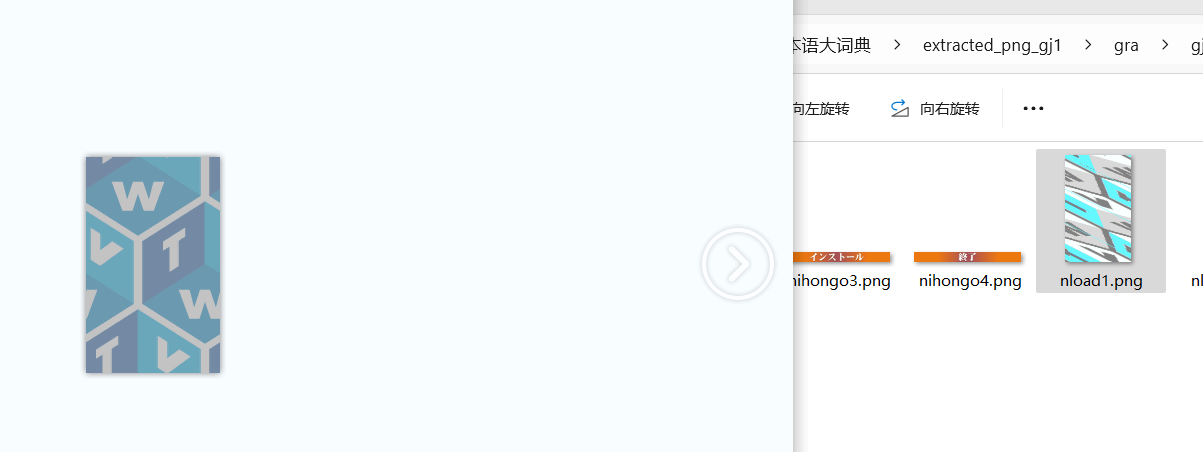
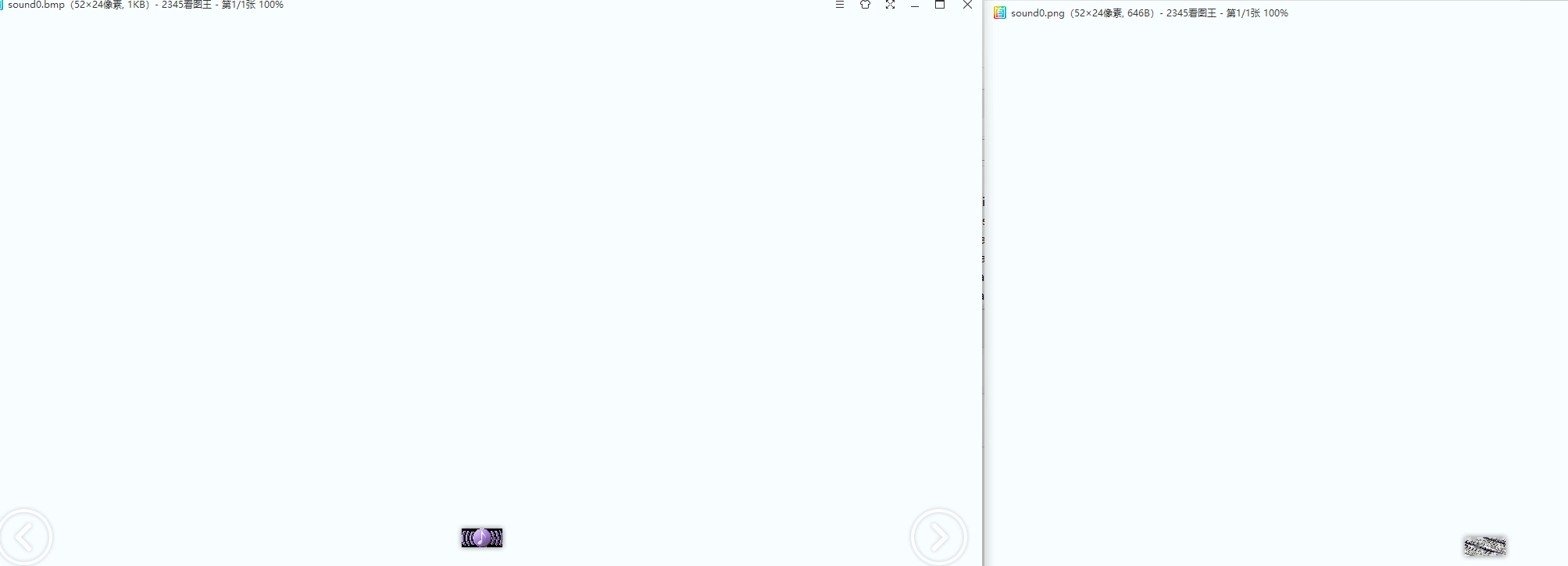
Another Python script ([parse_agi.py](parse_agi.py)) was developed to read those raw PS2 textures, un-swizzle the indexed palettes, unpack half-bytes, and convert them to standard .png images. Validated correctly via visual checks with the user.
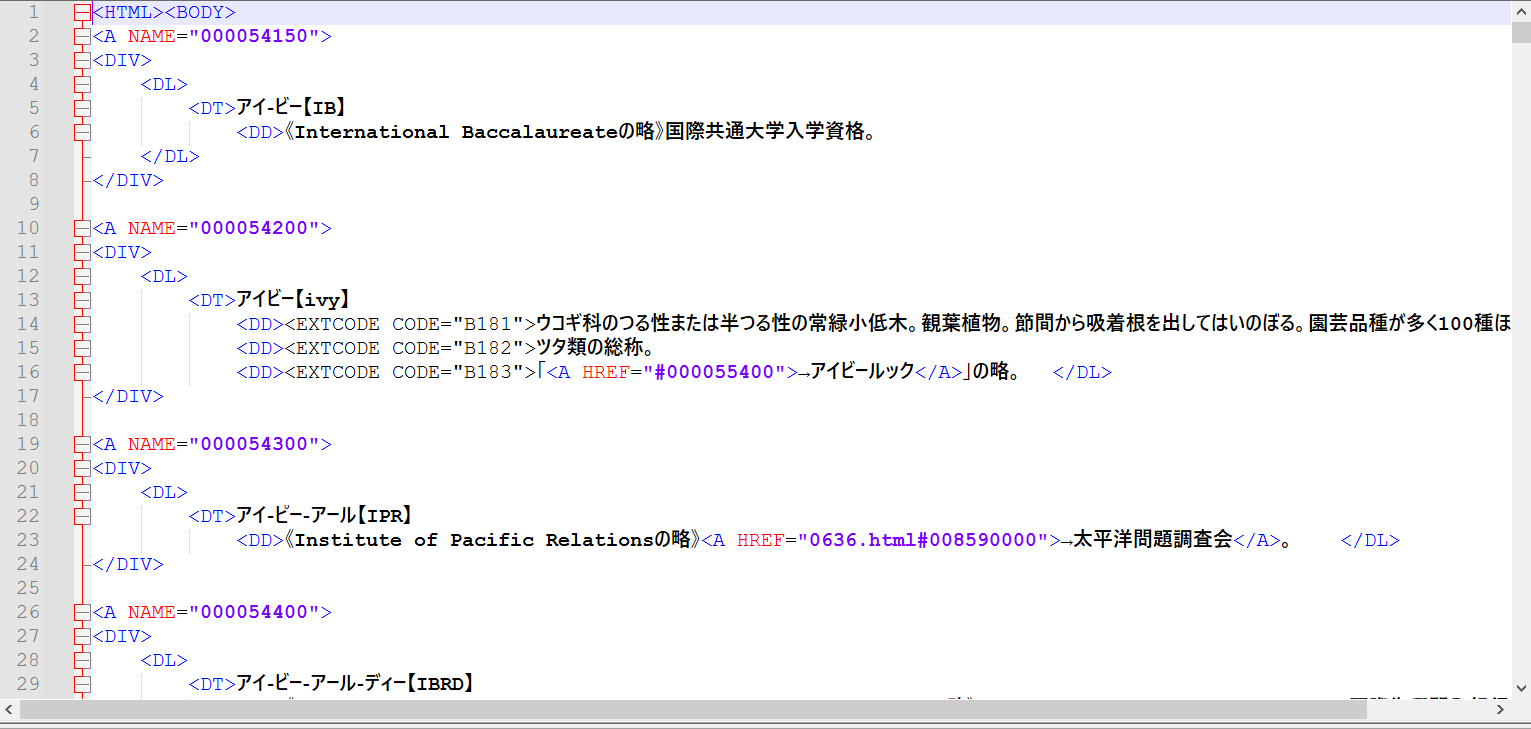
数据似乎就是epwing版本的源文件,格式很好:
后续我将尝试ocr中文版,然后把这个也整理成双解版。数据包含原始数据,解压脚本,解压后的文件和转换后的图片。
数据和文档下载:PS2 日本语大词典
链接: 百度网盘 请输入提取码 提取码: 1234