MyMemory Dictionary
MyMemory Dictionary is the world’s largest Translation Memory. Here we parsed the English to Kurdish dictionary from its website: MyMemory Dictionary.

Installation
Download and install the required and recommended software / apps for using MDict dictionary format (.mdx / .mdd) dictionary data.
-
Windows
Download GoldenDict (Free) (Recommended)
YouTube: How to use GoldenDict?
-
MacOS
-
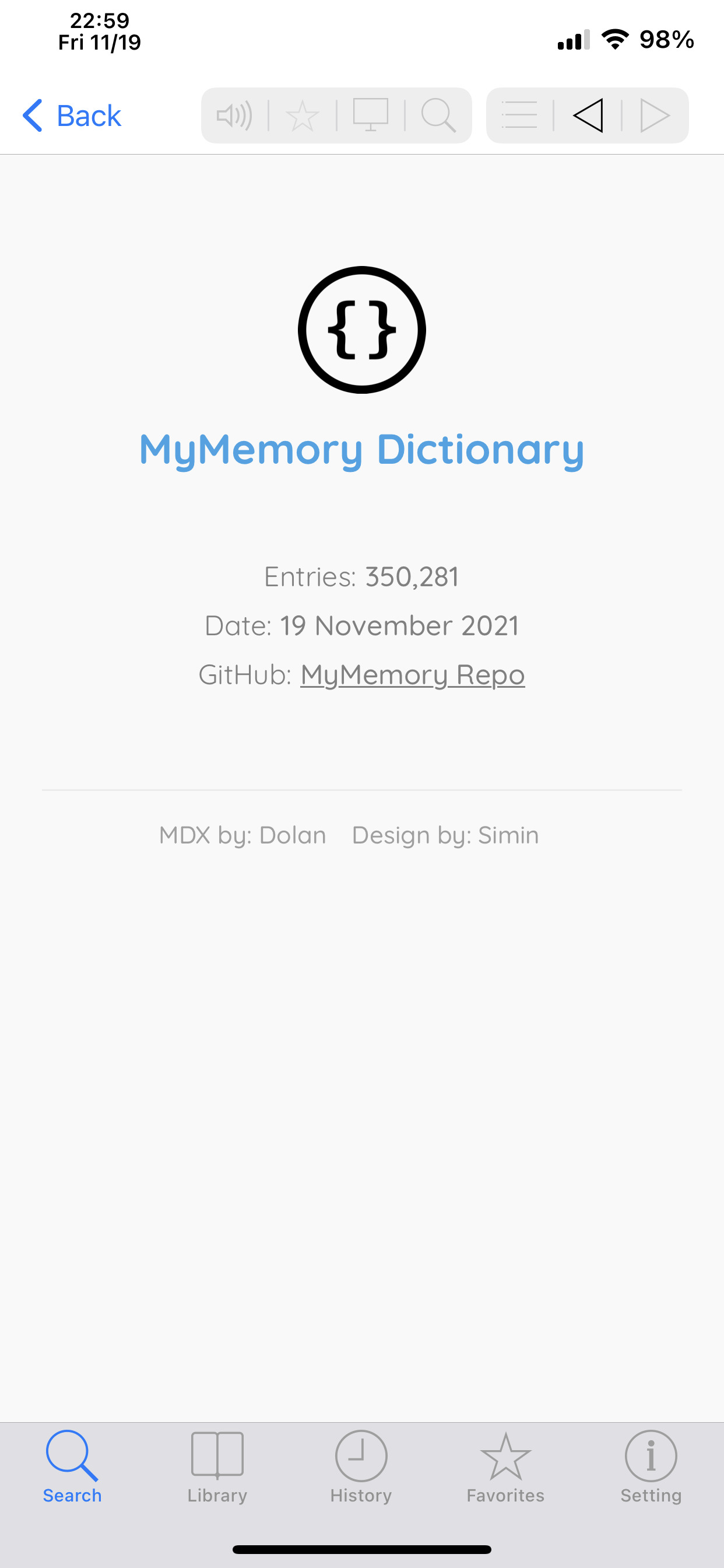
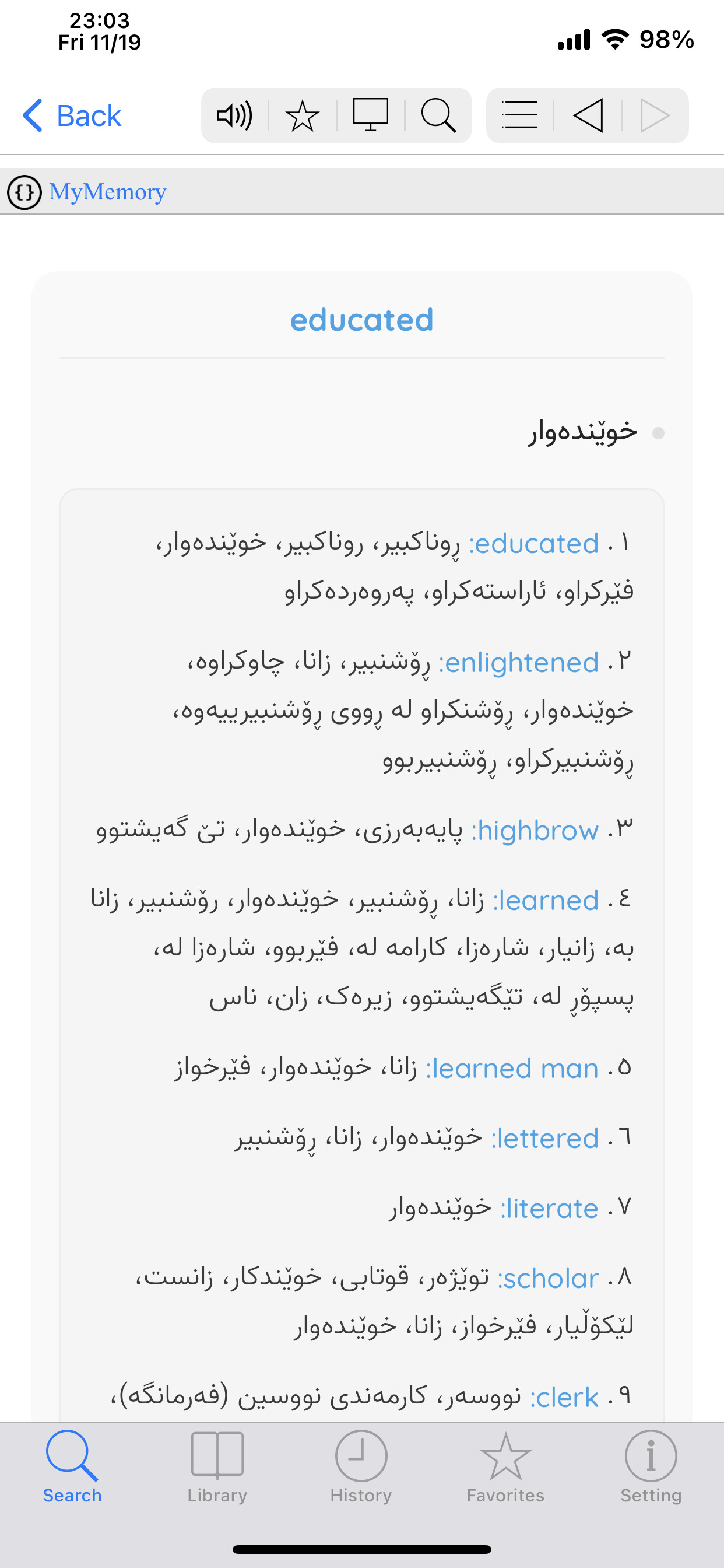
iOS (iPhone / iPad)
YouTube: How to do Live Translation on MDict?
-
Android
Download BlueDict (Free but its full version needs to be purchased)
Dictionary Files
Each dictionary might have one, two or more files which should include a MDX, a MDD (might not included), a CSS and finally an icon for the dictionary.
Note:
-
.MDX, .MDD and the icon (.png, .jpg, etc.) should have the same name.
-
CSS file SHOULD NOT be renamed
Download MDD (N/A)
Used Fonts
Usage Instructions
How to transfer dictionary files into your device?
Mobile users:
iOS (iPhone / iPad ) users can use “File sharing” function of iTunes to transfer files into devices.
Android users should put dictionary files into /mnt/sdcard/mdict/doc directory, or assign the path in “Preference->extra dictionary path”.
Windows & MacOS Users:
MDict (ONLY Windows) users need to follow below rules:
- Unzip the package.
- Open
MDict.exe - On top menu select
Library/Library Manager - Select
Import Libraryand browse to the downloaded folder. - Click
OK.
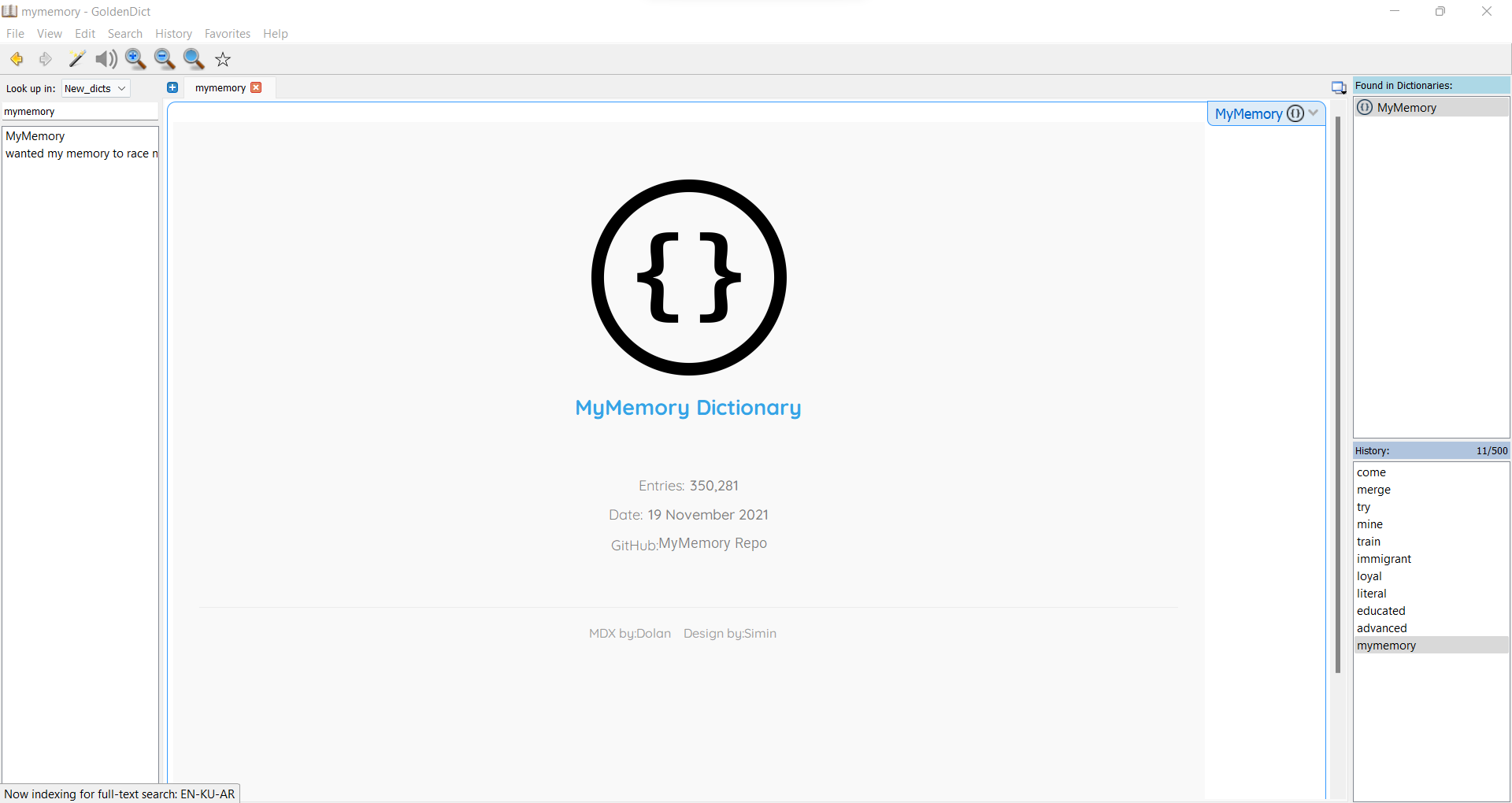
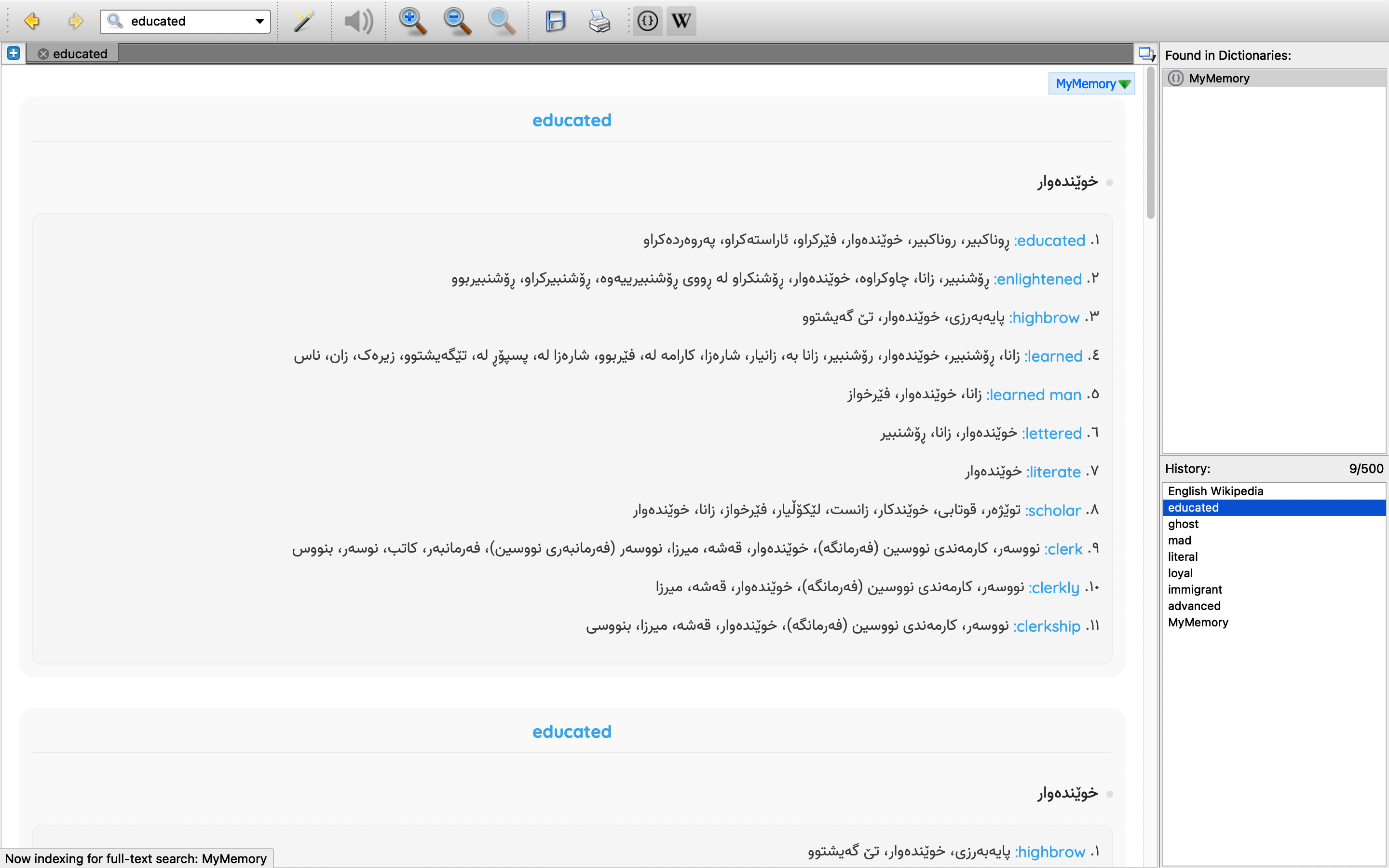
GoldenDict users need to follow below rules:
- Unzip the package.
- Open
GlodenDict.exe - On top menu select
Edit/Dictionaries - On
Sourcestab, clickAddbutton and browse to the downloaded folder and clickSelect Folderand tick the checkbox beside the downloaded folder location. - click on
Apply, thenOK.
Contact me
I hope you like this dictionary. Feel free to reach out if you have questions or if you want to contribute in any way:
- E-mail: [email protected]
License
MyMemory Dictionary is available under the MIT license.

