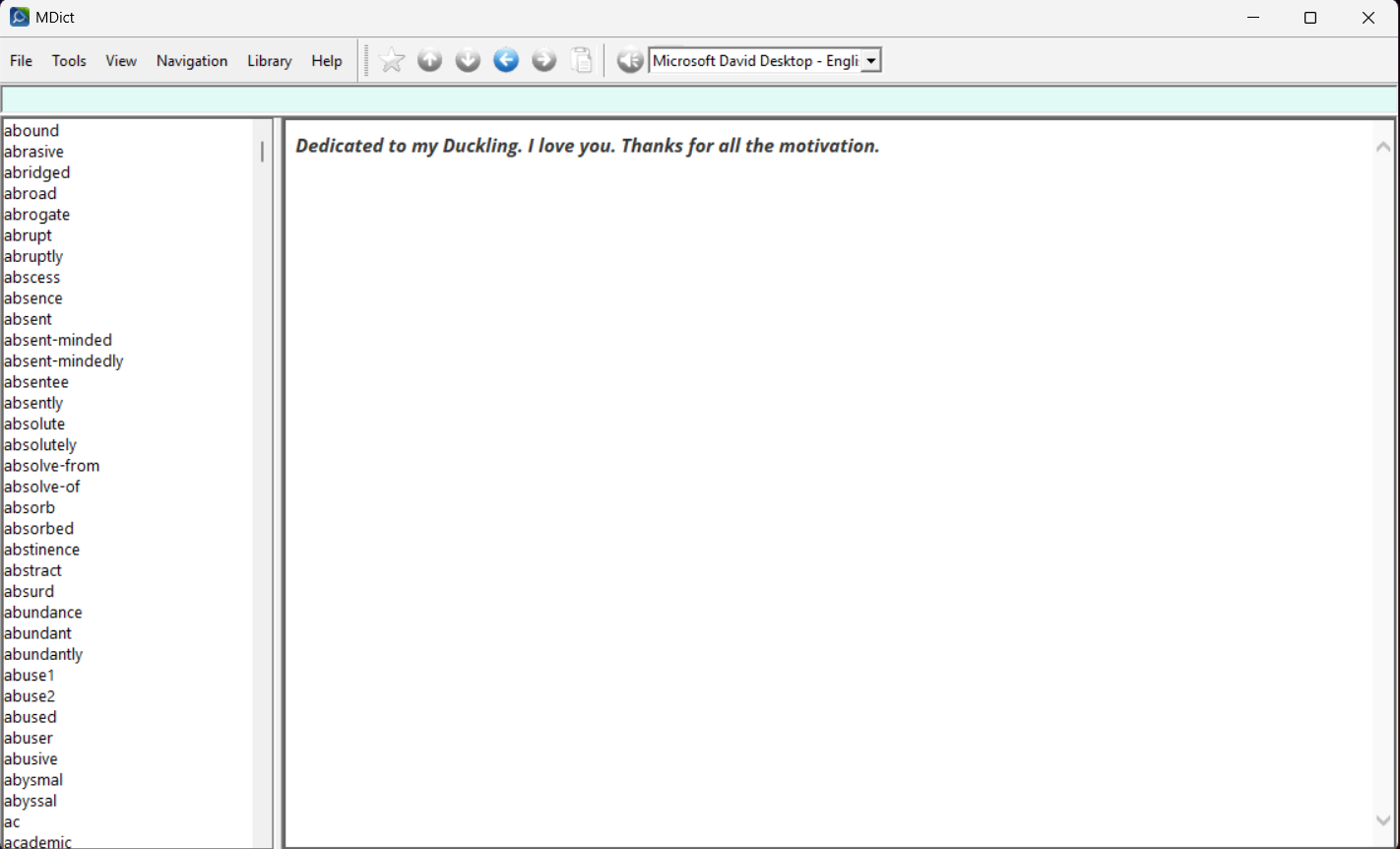
Oxford Collocations Dictionary (Final)


Helllo, folks. I present to you “Oxford Collocation Dicrionray”
The dictionray is still in testing phase. Please test it before passing judgement :laughing:.
If you come across any trouble, report it with a screenshot. I originally planned to release it as unified project alongwith OALD10, but due to ongoing war in middle-east (it is impacting my work) i have less time to dedicate to scrapping and cleaning. I will publish it as unified project once the scrapping is finished on OALD10. Here is my handy little contribution to this community. I hope you guys enjoy this work. And do not forget to give me feedback and improvement need. The license is a 12 month time. So, before that i can make changes to the dictionray before the license expires.

4 个赞

Link to download:

4 个赞


If you come across any page like this or with no or lock content, report with a screenshot

1 个赞

很感谢做了这个,过去的CD-ROM转换的版本,错误不少,CD-ROM电子化质量无法让人满意。我本也想着要去爬虫网站并制作MDX,可惜在中国购买困难和自己懒惰。

牛津搭配词典(Oxford Collocations Dictionary)错误修正+词组提取 - 英英 - FreeMdict Forum

1 个赞

能否对多词性的条目做处理,希望搜索时不需要输入末尾的数字编号。

比如accent1、accent2,请添加内容:

accent
@@@LINK=accent1
</>
accent
@@@LINK=accent2
</>

另一个问题就是css Stylesheet,你的样式和官方网站存在区别,为何所有内容都使用了斜体?:

斜体的问题源自于你使用了Open Sans字体的bold字重和italic样式,请不要错误地使用字体:

1 个赞

请注意这些地方使用的<a>跳转链接,第一个指向了card_1,而你使用的词语是card1,无法正确跳转:

1 个赞

Thanks for your feedback. I will add tab version of the word1, word2 as unified page with part of speech mentioned. :saluting_face:

1 个赞

有一个说不上是问题的我希望改进的地方,SPECIAL PAGE需要跳转到官网查看PDF,而我们实际上可以直接在HTML嵌入PDF(不过很遗憾,目前只有Windows DictTango支持这个,因为它是基于Edge Webview的),同时必须提供回退的图片(从PDF导出,为大多数无法支持PDF显示的辞典软件)。

当然总有人喜欢打开浏览器查看PDF,我们也需要保留原来的到官网的跳转。我不是叫你修改原本的HTML,只是建议你为每一个Special page添加一个新条目,它们紧跟在正文后面显示(我个人倾向于添加一个@@@LINK,以便在搜索正文条目时直接显示):

Special page: Music
<div class="pdf-wrapper">
  <object
    data="music.pdf"
    type="application/pdf"
    width="100%"
    height="1440"
  >
    <img
      src="1.jpg"
      alt="Page 1"
      style="max-width:100%;height:auto;"
    />
    <img
      src="2.jpg"
      alt="Page 2"
      style="max-width:100%;height:auto;"
    />
  </object>
</div>
</>
music
@@@LINK=Special page: Music
</>

1 个赞

Noted!!
Added to do list.


1.All CSS issue fixed.
2. All Parts of speech under single {word} fixed. No more numeric suffix.
3. All Special Pages found and converted to OCR html.

Will upload in next 48 hours

2 个赞

头部显示词语的部分黑乎乎的看不清,能不能恢复成官网样式?

1 个赞

I will try to fix it. Thanks for brining this up

Will this suffice?

2 个赞

phrases下方的两个参见链接是到OALD的条目吧?好像样式和官网有点区别,官网是See…。不知道你有没有保留完整的href链接,也许有人会喜欢跳转到官网的OALD查询phrases的释义。

如果已经被处理为mdict标准的entry://的话,就能和你制作的OALD联合查询。不过可能对有些人就没什么用了(没有安装你制作的OALD),可以用css隐藏。

当然,关于参见链接最终如何处置的问题,一切取决于你的喜好。

They do not point to OALD10. They points to collocations dictionray (internal references using entry://{word}
i have saved full html using Selenium and Beautiful soup,. So modification is never an issue as i have saved the full self contained html from site. I will add hide/show to “nearby words” and other realated enteries. As far as the OALD10 is concerned, i am still working on it. This dictionary is standalone/self-contained. All external links removed.

I am always open to suggestion and making improvement. Greatly appreciate the work you put into this to make suggestions for improvement

我还好奇一个问题,你把有后缀数字的条目都合并在tab页中了,那原来词典内的跳转链接是否都不好用了?显然它们会指向特定的词性条目。你能让它在跳转后自动切换tab吗?这显然要用到js,又要考虑陈旧的ie内核的mdict的兼容性问题,大部分词典软件都已经是现代webview。

第二个问题,tab页在小屏幕上会好用吗,你有在手机测试过样式的排版问题吗?

最小的实现方案显然是直接添加@@@LINK,tab页也许要费很多心力设计,辛苦了。

1 个赞

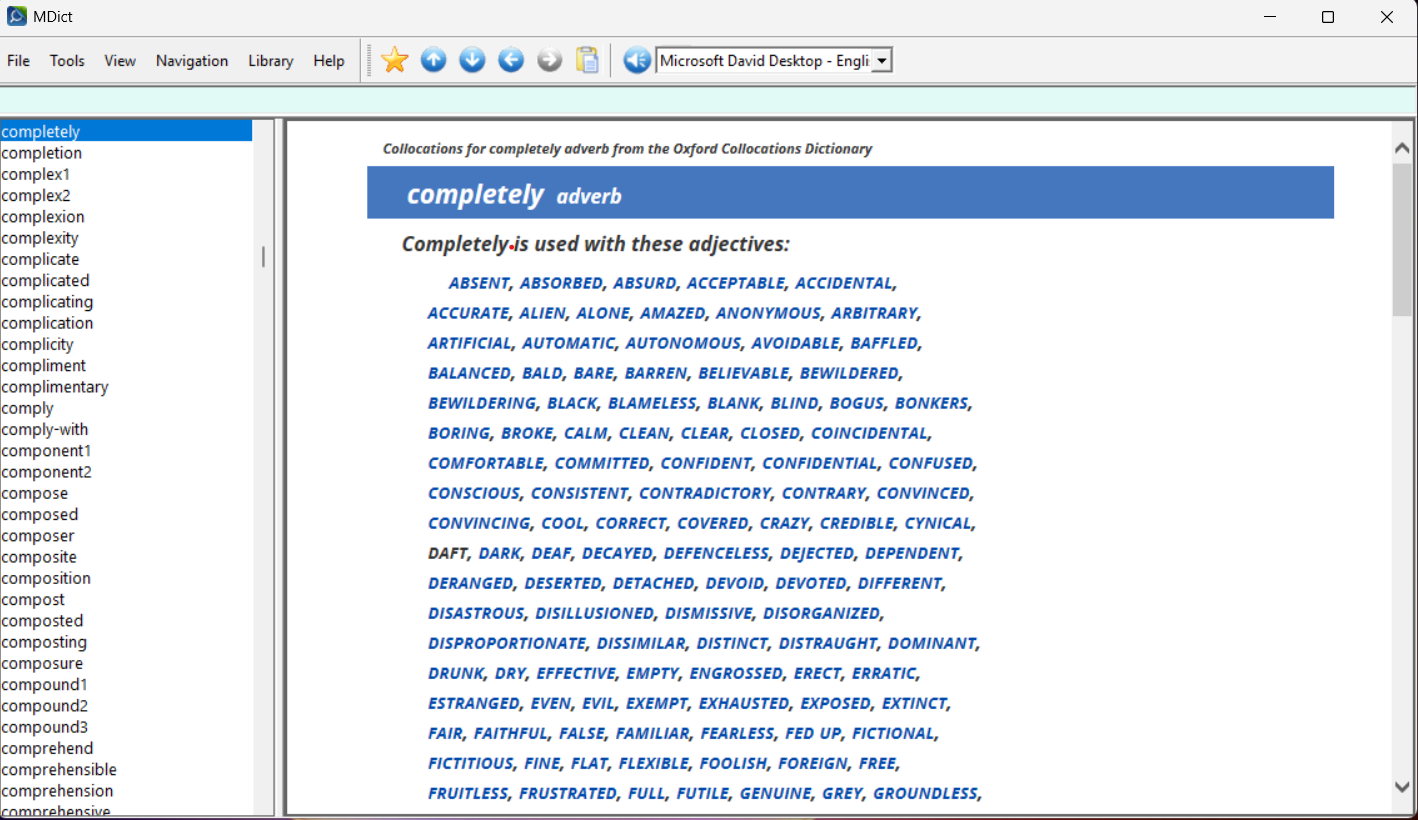
Yes, I have created a javascript and inlined it in all the html as well. I will add auto switch function according to the part of speech selection. And i have changed all {word}_n to {word} as _n are merged into unified tabbed file. So entry://{word} will work fine. I will test it on small screen tomorrow. And i am using mdictPC as primary tool for testing so that IE should work fine
1 个赞

update:

tabs works fine on mdict Android and DictTango (on Android)

2 个赞

here is another beta. One step closer to stable.
the
“special page”
in cloud lists all enteries which redirects to special page

all special pages in dictionary are accessible under:

  • @@@business.html
  • @@@clothes.html
  • @@@colours.html
  • @@@computers.html
  • @@@food-and-cooking.html
  • @@@fruit.html
  • @@@illnesses.html
  • @@@meetings.html
  • @@@music.html
  • @@@sport.html

Edit:

use this link instead to download:

for some reason mdict pc is not loading css/js.

here is a sample file for programming wizards here to investigate the issue