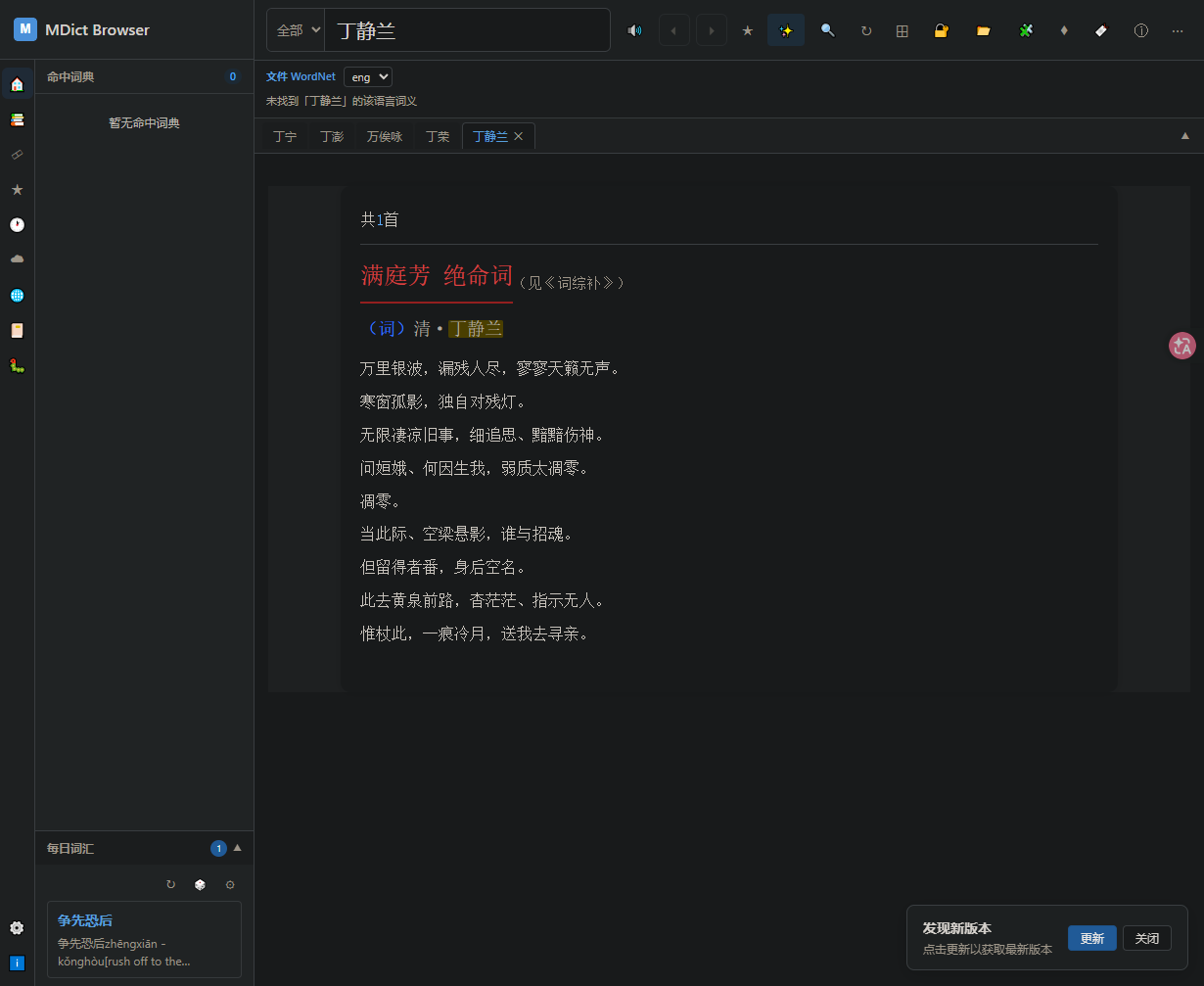
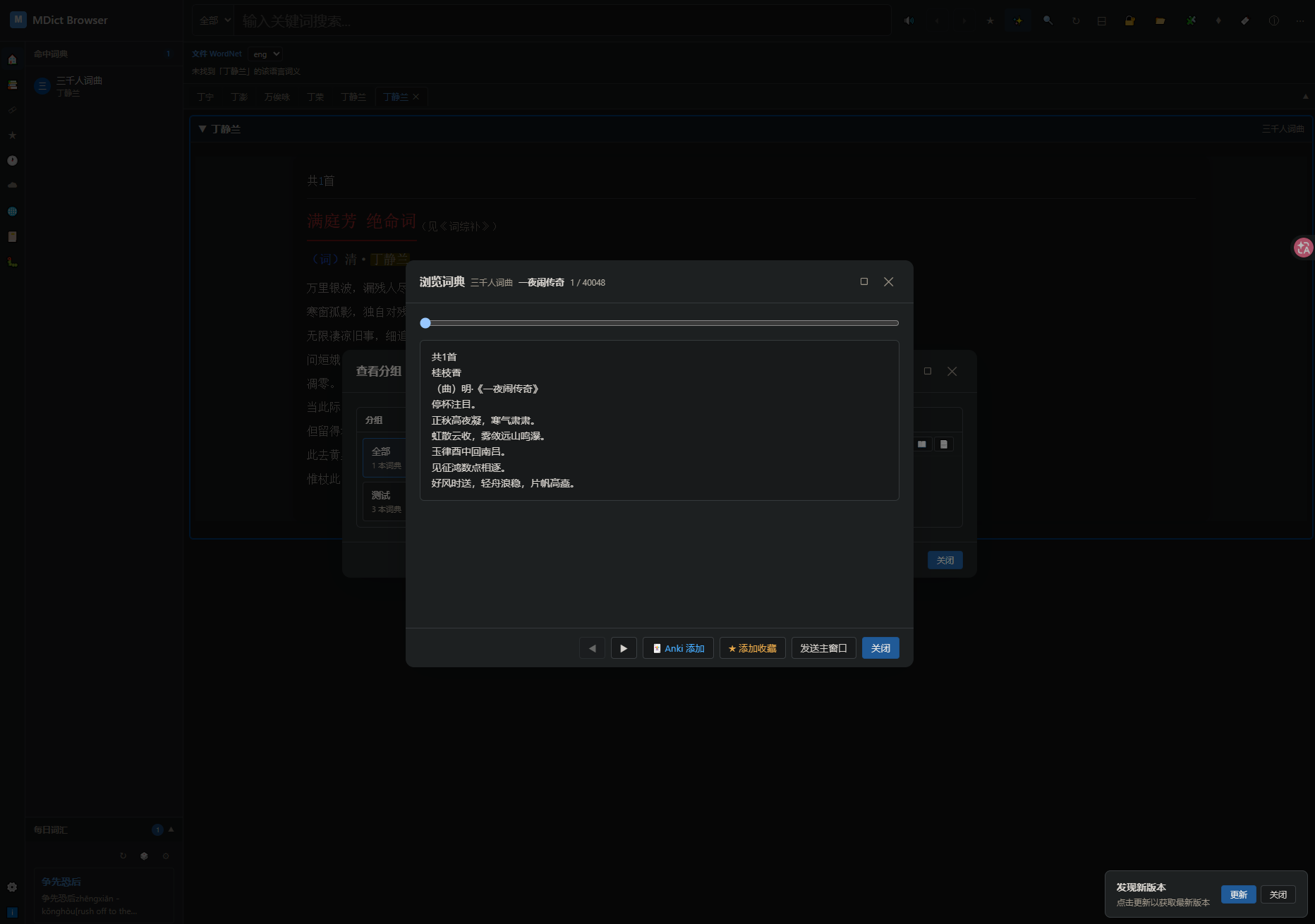
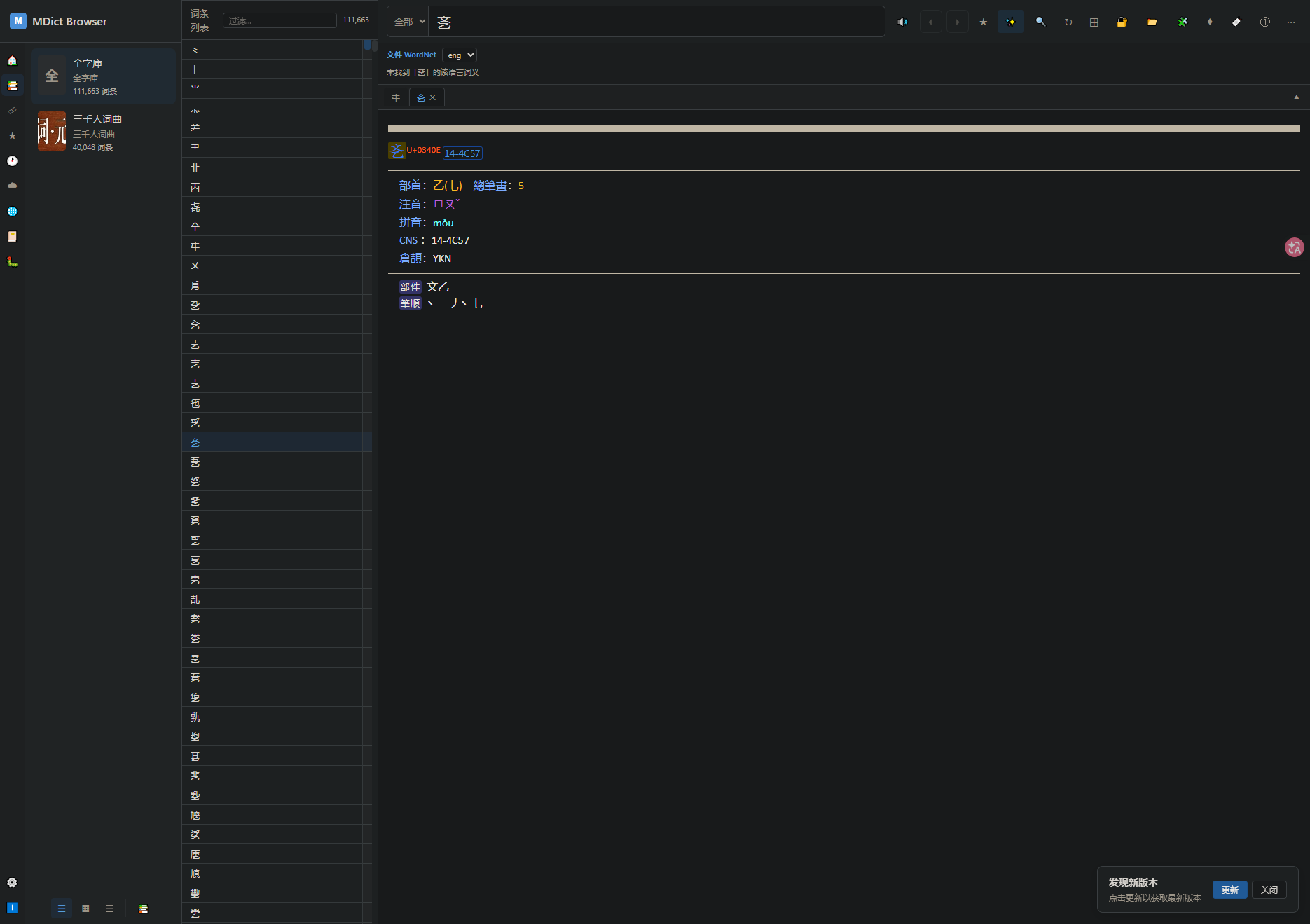
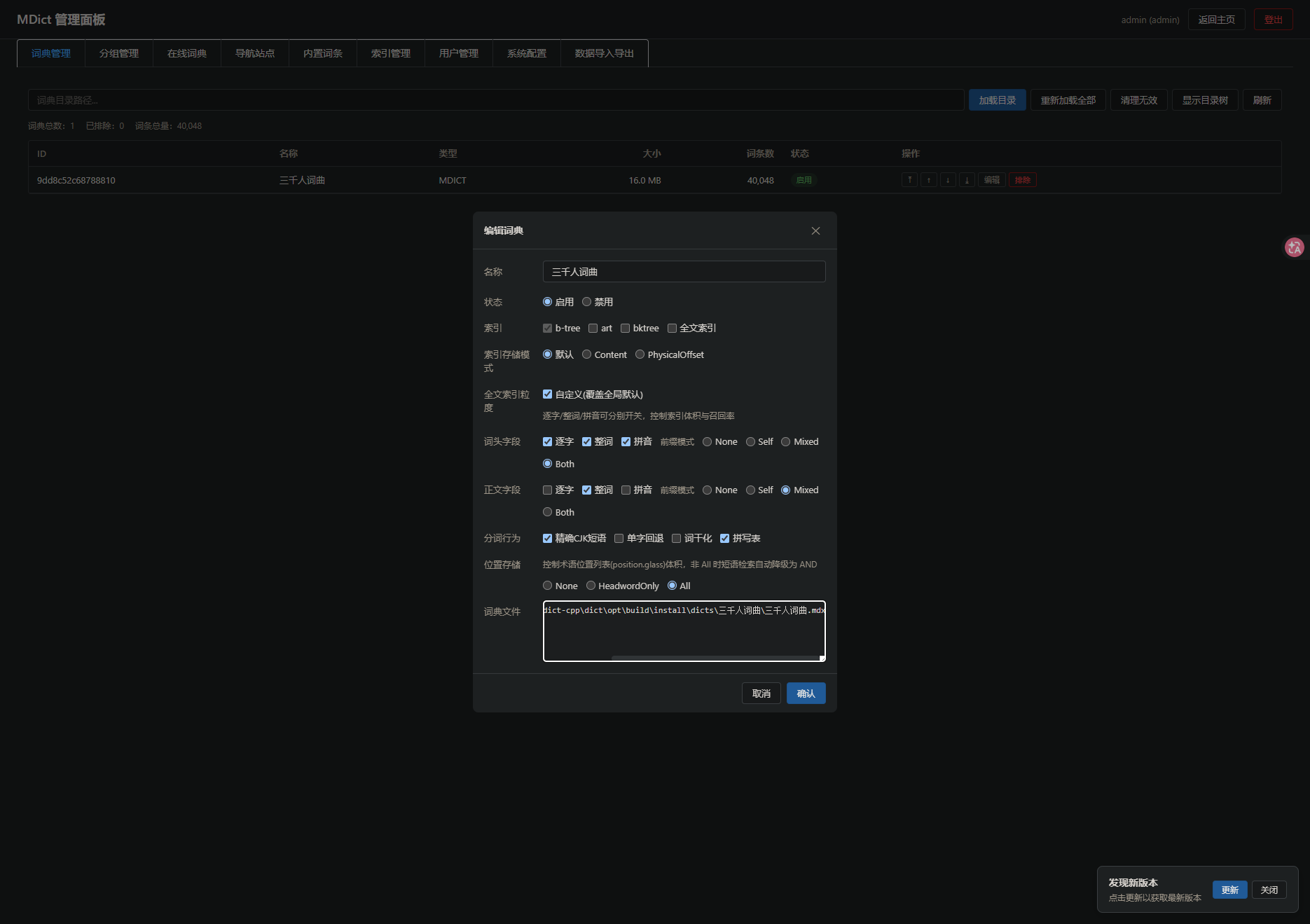
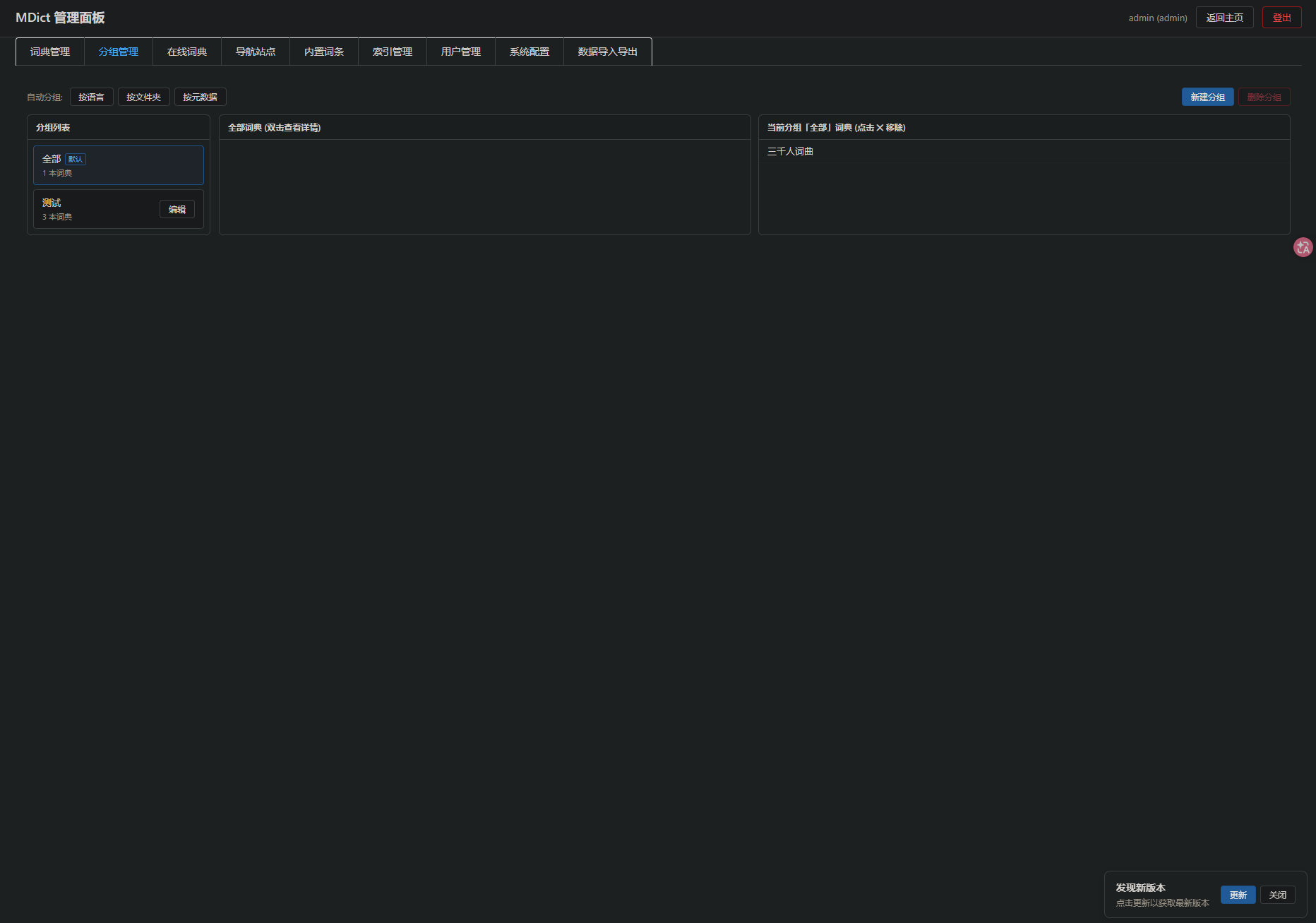
分享一个基于AI拼凑出来的WEB词典应用 - MdictBrowser,支持 mdx mobi epub 等词典格式。
下载:MDictBrowser.7z - FreeMdict Cloud
说明:此词典应用为学习AI的副产物,不保证更新频率与稳定性,有兴趣的可以试着玩玩。当前仅支持 windows 系统,后面会考虑支持 Linux 系统。
试用方法:下载链接中的压缩包后解压,将词典复制到 dicts 目录,再运行 mdict.exe server ,最后浏览器访问 http://127.0.0.1:9081 即可访问。更多命令行参数,可以查看下面的命令相关说明。
文件说明
- mdict.exe 词典服务器
- data 运行时数据文件
- dicts 词典文件目录
- webui 词典前端界面
- db 数据库,运行时自动创建
- index 索引数据
- log 应用日志
支持的命令功能:
MDict dictionary file (.mdx/.mdd) tool
Usage:
mdict [OPTION...] command

Commands:
  info       Show dictionary metadata and integrity (default)
  extract    Extract dictionary contents to source files (all formats)
  meta       Show dictionary header metadata
  pack       Pack source file(s) into .mdx/.mdd
  genkey     Generate a registration key file
  query      Look up a single word/entry
  suggest    Prefix suggestion search
  search     Full-text content/key search
  fuzzy      Fuzzy (BK-Tree) search
  fts        Full-text search (Xapian index)
  test       Verify dictionary file integrity (all formats)
  txt-db     Convert a text source file to SQLite database
  db-txt     Convert a SQLite database back to text source
  save       Save entries or resources from a dictionary
  build-index  Build or extract the Xapian FTS index for a dictionary
  hot-queries  Show top search queries from a search log file
  co-occurrence  Show query co-occurrence pairs from a search log file
  search-log-stats  Show aggregate statistics from a search log file
  server     Start the HTTP web server

 General options:
  -h, --help              print usage
  -V, --version           print version
  -q, --quiet             suppress non-essential output
      --logger arg        path to runtime log file (plog); when omitted, writes to <exe_dir>/log/run.log; pass an empty string to disable (default: "")
      --logger-level arg  runtime log level: none, fatal, error, warning,  info, debug, verbose (default: info) (default: info)
查看命令参数选项,如:
mdict server -h
MDict web server
Usage:
mdict server [OPTION...]

 Server options:
  -d, --dict-dir arg     Directory containing .mdx files (default: .)
  -s, --static-dir arg   Static files directory (default: "")
      --db-dir arg       Database directory for *.db files (users/audit/favorites/nav-sites/builtin). Empty = resolve next to static_dir as <root>/db (default: "")
  -p, --port arg         Server port (default: 9081)
  -h, --host arg         Bind host (default: 0.0.0.0)
      --jieba-dict arg   Path to cppjieba dict directory (default: "")
      --pinyin-dict arg  Path to custom pinyin file(s), '|'-separated for multiple (default: data/pinyin/pinyin.txt|pinyin-phrase.txt) (default: "")
      --friso-dict arg   Path to friso data directory (containing friso.ini & dict/) for Chinese tokenization (default: "")
      --preset-dict arg  Force copy preset dictionaries from directory  (default: "")
      --index-dir arg    Directory to store dictionary index files (.idx / FTS); when omitted, writes to <exe_dir>/index (default: "")
      --access-log arg   Path to HTTP access log file (plog); one line per request; when omitted, writes to <exe_dir>/log/access.log; pass an empty string to disable (default: "")

 General options:
      --help              print server usage
      --logger arg        path to runtime log file (plog); when omitted, writes to <exe_dir>/log/run.log; pass an empty string to disable (default: "")
      --logger-level arg  runtime log level: none, fatal, error, warning, info, debug, verbose (default: info) (default: info)