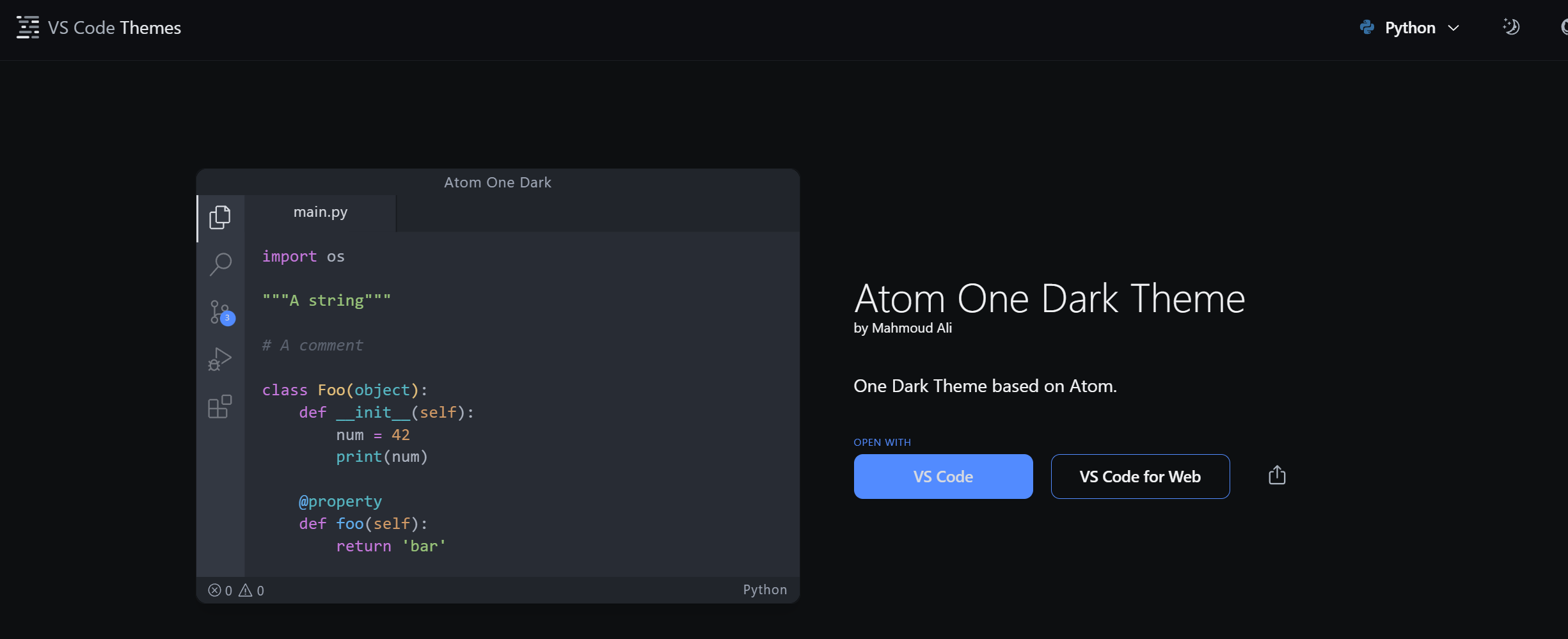
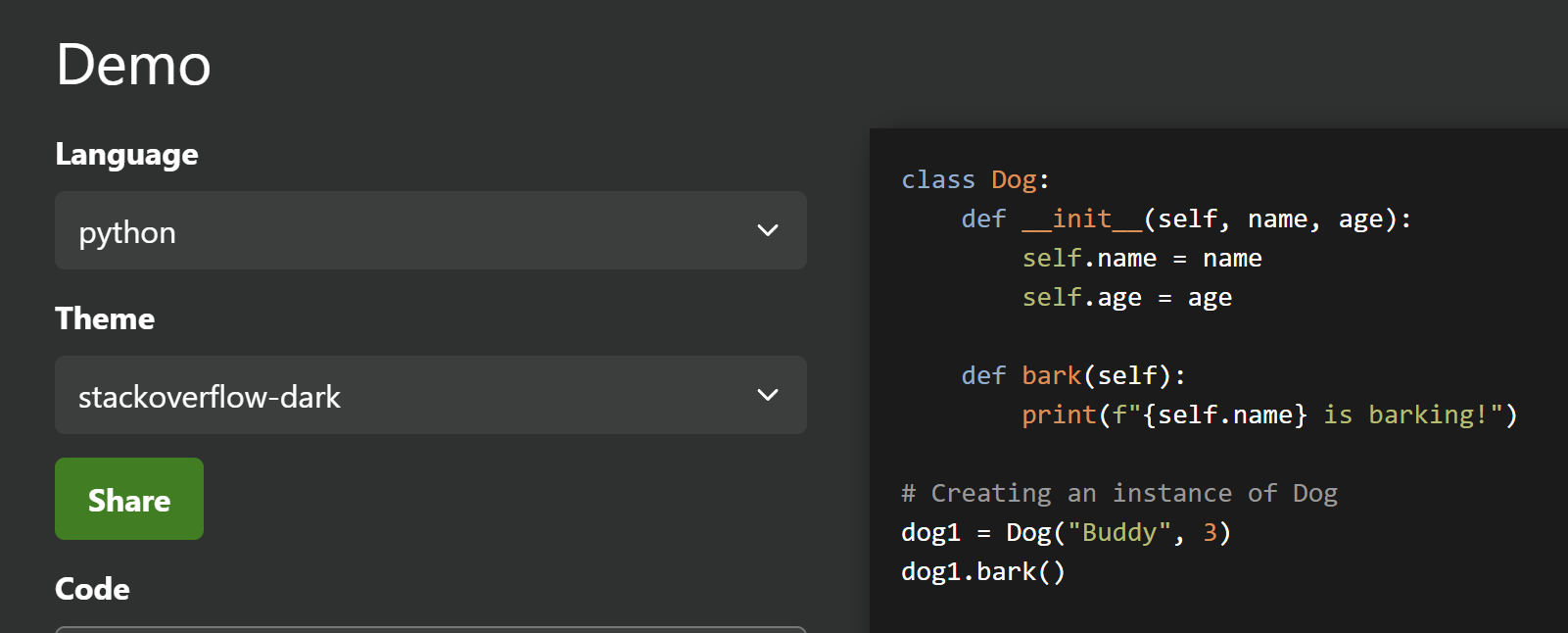
I found that the syntax highlighting by the site is very ease to the eyes. For example,
class Dog:
    def __init__(self, name, age):
        self.name = name
        self.age = age

    def bark(self):
        print(f"{self.name} is barking!")

# Creating an instance of Dog
dog1 = Dog("Buddy", 3)
dog1.bark()
and
/* User-defined styles */

figure,
script,
td.audiometa,
.sister-wikipedia,
head,
.NavFrame,
.maintenance-line,
[typeof="mw:Extension/templatestyles"],
.thumb,
.bandeau {
    display: none !important;
}
I wonder how can I have exactly the same for my VSCode. Thank you for your elaboration.