Can we have the opposite? Everything except the Chinese dictionary? Is there a tool to extract?
Note: Generally, solution 1 is enough for your needs.
Solution 1: Hide the Chinese tab via JavaScript
Only hides the Chinese tab visually on the frontend. Source files stay unchanged, and you can revert it easily. Codex can help u.
Solution 2: Edit the MDX file for full removal
Permanently delete the Chinese‑dictionary section from the source file. The content will not exist in the final output, but you have to modify the original MDX with mdict-utils.
感觉数据没抓全,但无伤大雅,比如查询top,释义中有“ See all collocations with top“这个链接,点击后没有数据,回到词头。没交叉确认过。
Can you provide the new js file? I do not know any programming. What is codex?
感谢分享!
发音在我这里要等一会儿才出声。Win11+欧路
欧路也需要设置走代理,不然tts通道用不了。
修复了一下,重新下载应该可以用了。
Where is the link ?
嗯,改善了,多谢!
I understand that this is a chinese forum, but these dictionaries have an international audience.
Appending a chinese dictionary and creating a chinese interface for what is basically a monolingual english dictionary alienates this international audience. Here is a js that eliminates all chinese, based on goodman168 script. I upload it to save international users several hours of hassle that it took me to create.
vucs-en.zip (116.4 KB)
I hate it when they do that. I did the same with their OALDPEX (or whatever it’s called) dictionary. I want to enjoy a dictionary as it was written, and even if I were a native Chinese speaker, I definitely wouldn’t want AI translations in my dictionary.
I also hate the tendency to add huge margins and padding everywhere, images as background (!). I want my dictionary to be fairly compact, and I hate tabs, or that I have to click to expand sections (which in some cases is justified, like for the OED, which would otherwise be very difficult to use).
But I’m obviously grateful that these resources are available, so I can try to modify them to suit my taste. Some you have to get creative as the MDX do not include a CSS file, or the entries are just html tags with no classes.
For example, this has huge paddings and margins in the version released on this forum, I had to modify it:
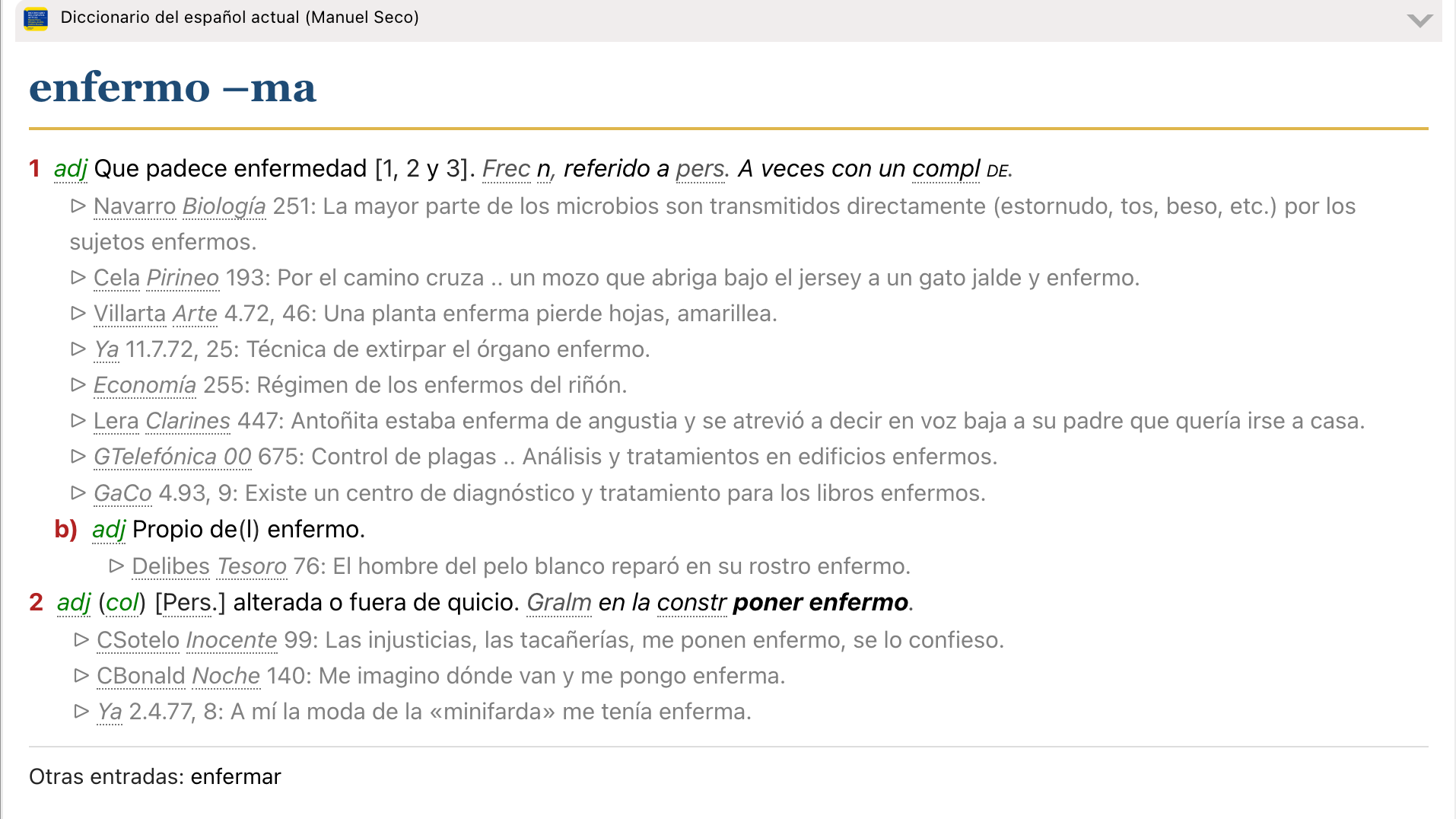
Same for this one.
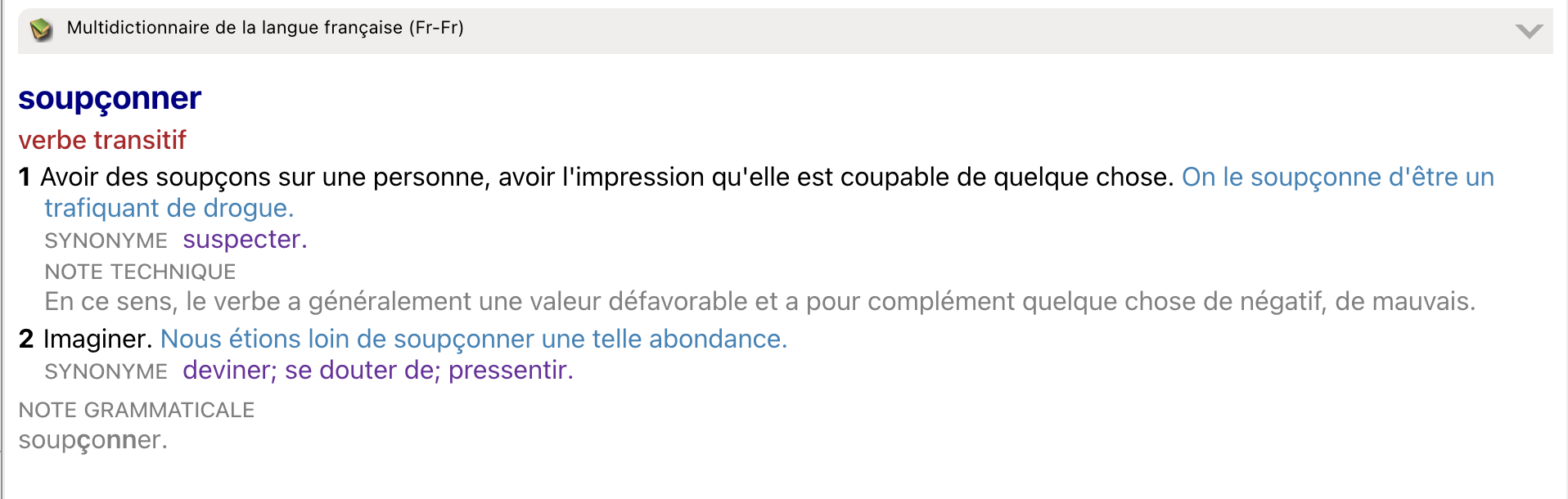
Also:
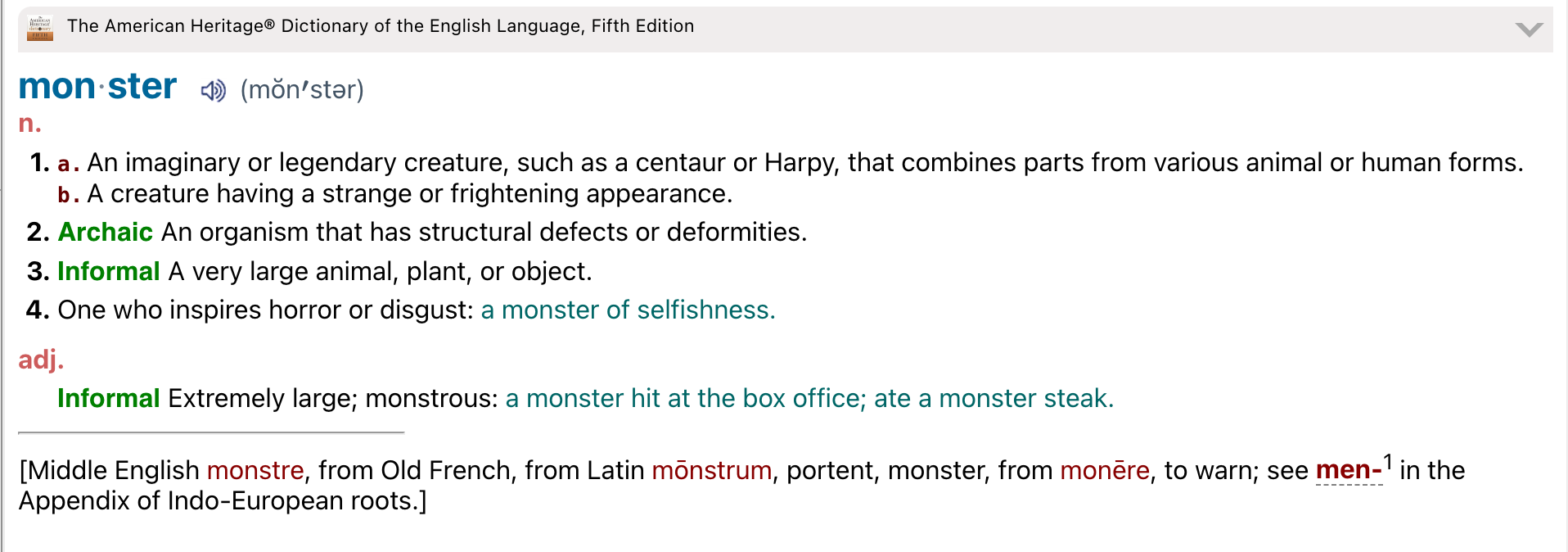
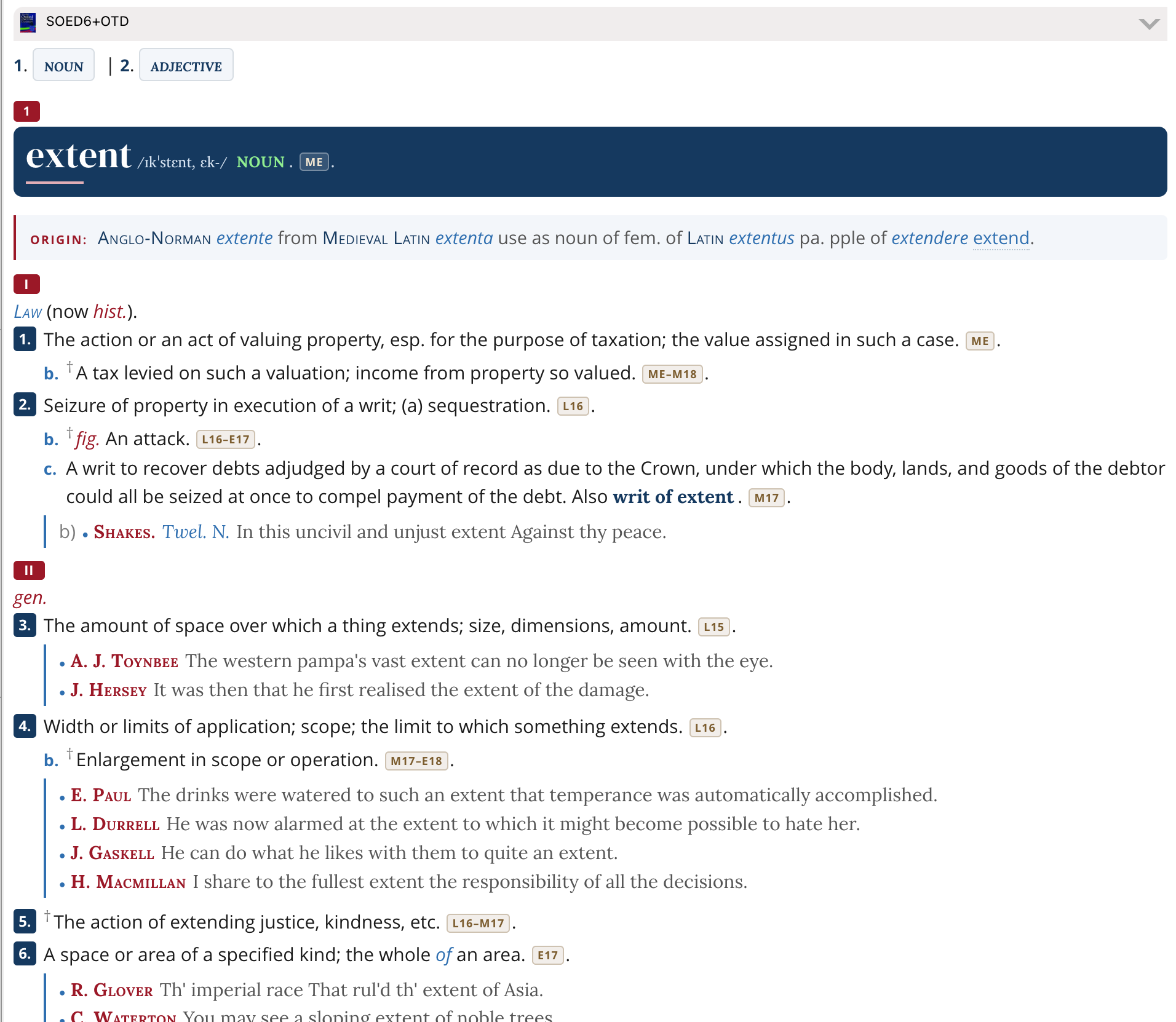
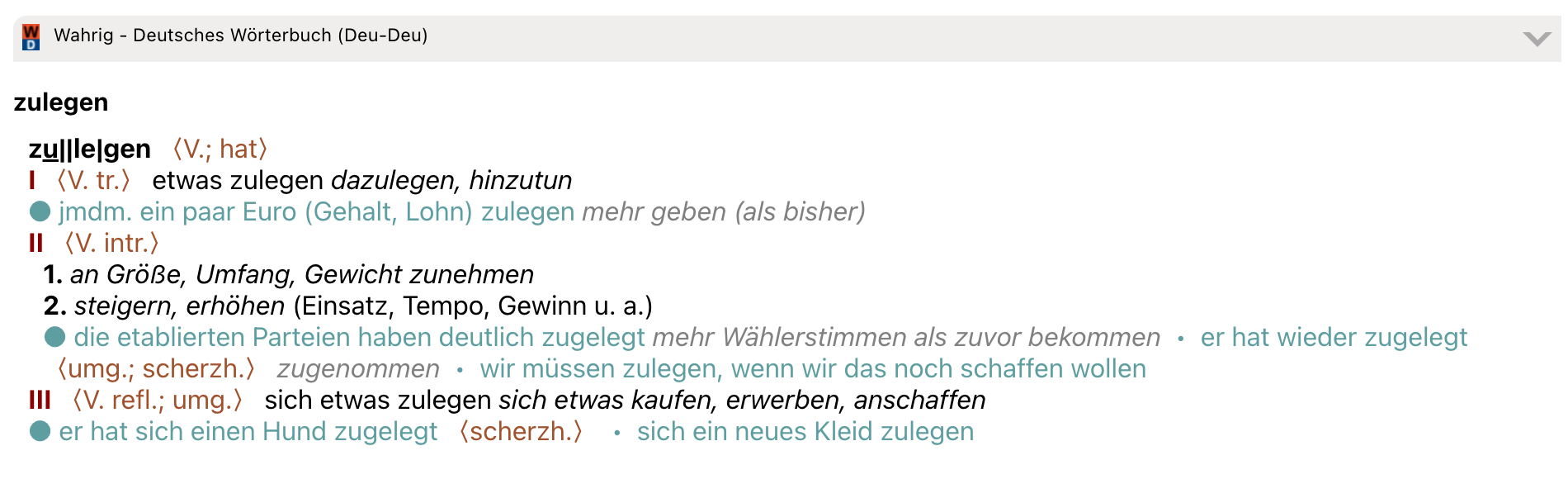
If you look at the counterparts on this forum you will notice they are very different (that is, worse, from my POV). In the end I always have to fix something, whether it’s the colors or the margins or this or that, and I end up throwing away many dictionaries anyway because it takes too much effort.
But again, I’m grateful that they exist.
When I create them myself (although I’ve stopped doing so now), I try to keep them compact and as close to the original layout as possible.
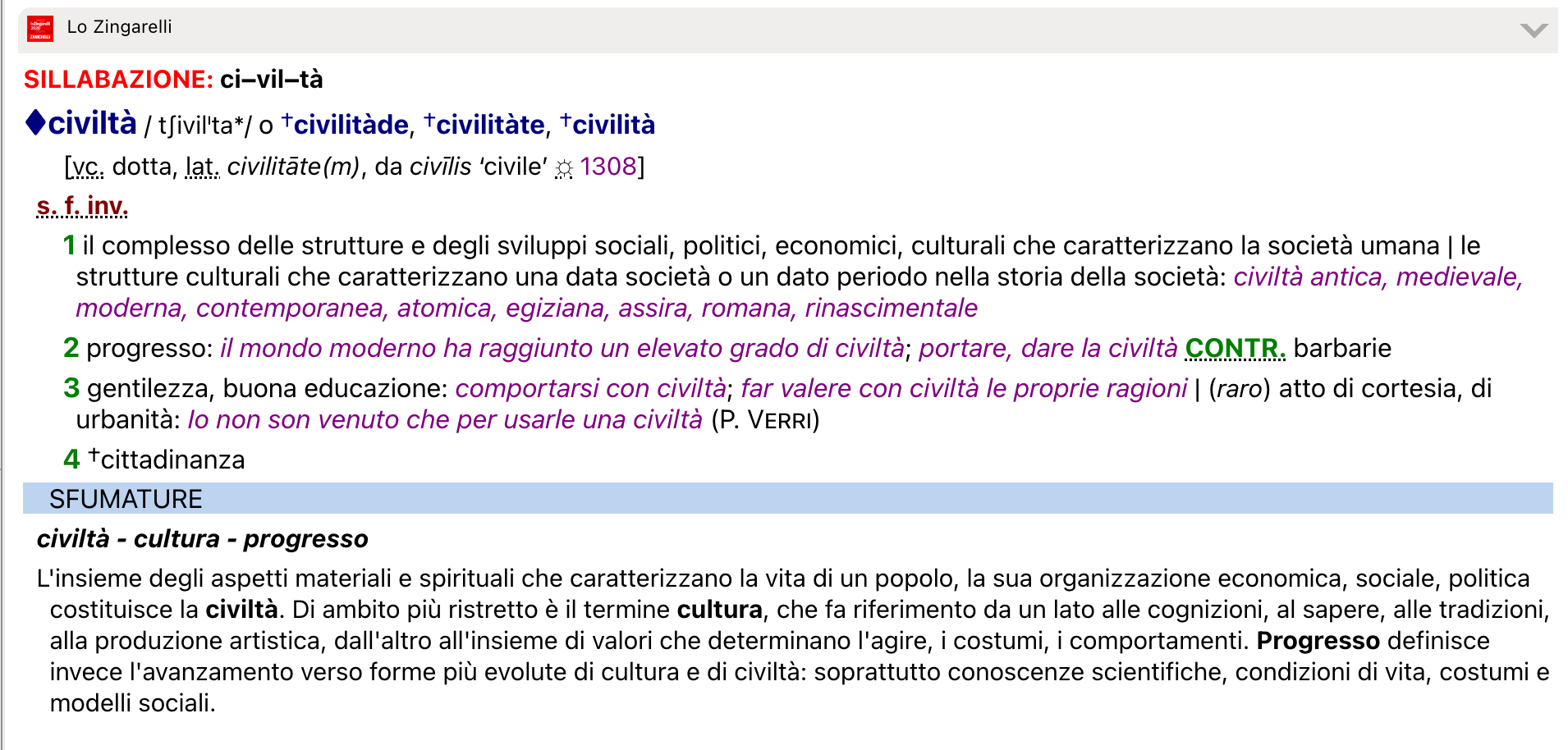
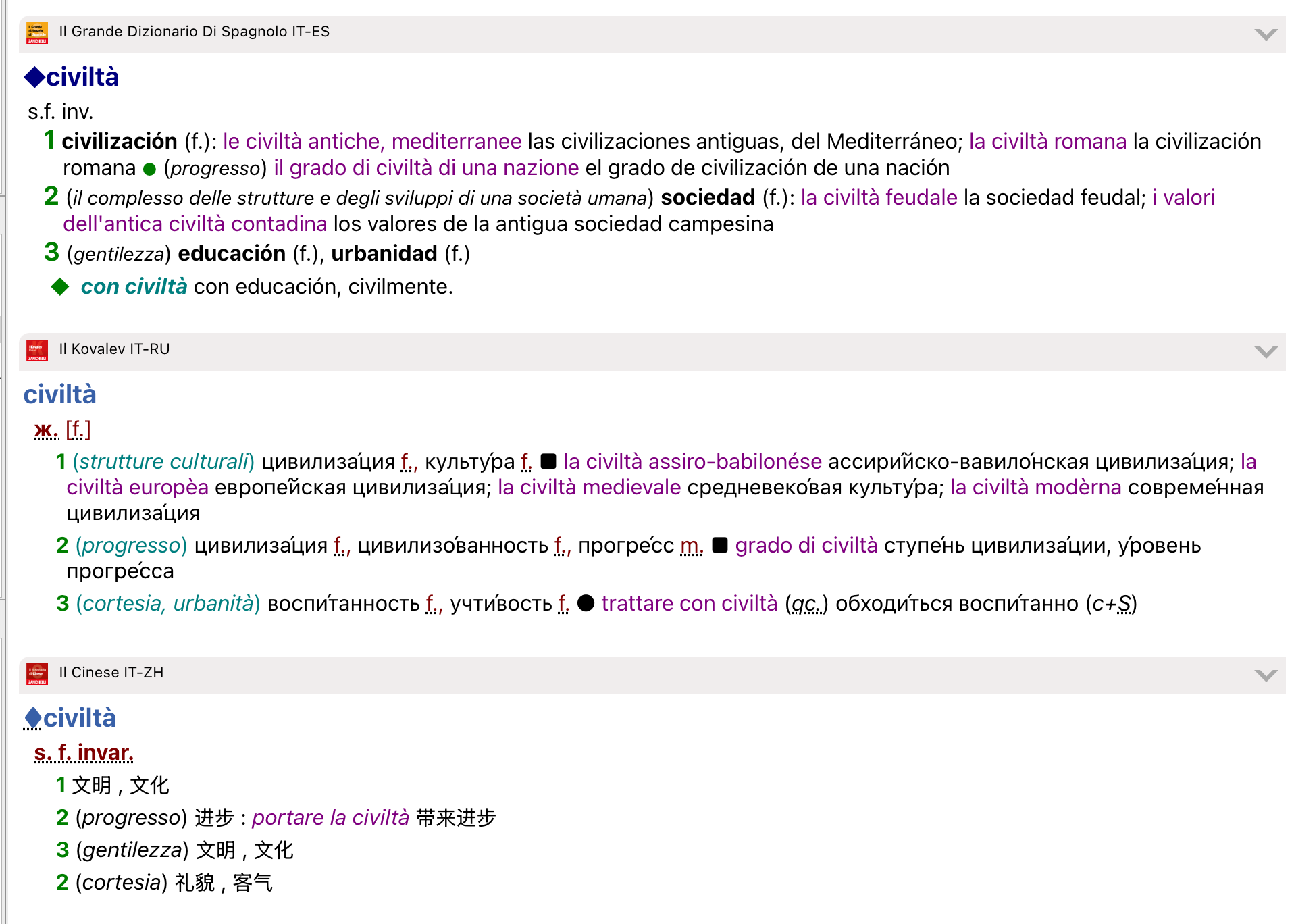
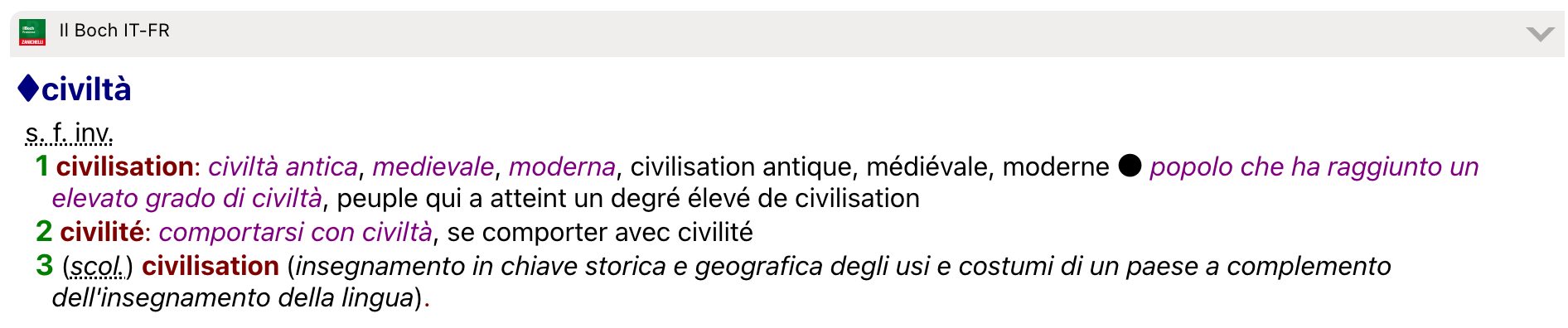
修改了几次,在欧路里的效率提升了。在Goldendict-ng里还是有加载延迟。
Updated my previous files. Based on the previous goodman168 script and modified with help from Claude:
- Translated all chinese code and comments to english
- Removed a lot of bloat (backgrounds, themes, fonts)
- Reduced default font size
- Aligned collapsed elements
- Hidden chinese dictionary by default
- Hidden AI translations and TTS by default
- Hidden British, American, Learners and Examples tabs by default, as all their content is already included in or superseded by the main Cambridge tab.
vucs.zip (101.5 KB)
Any pictures for review?
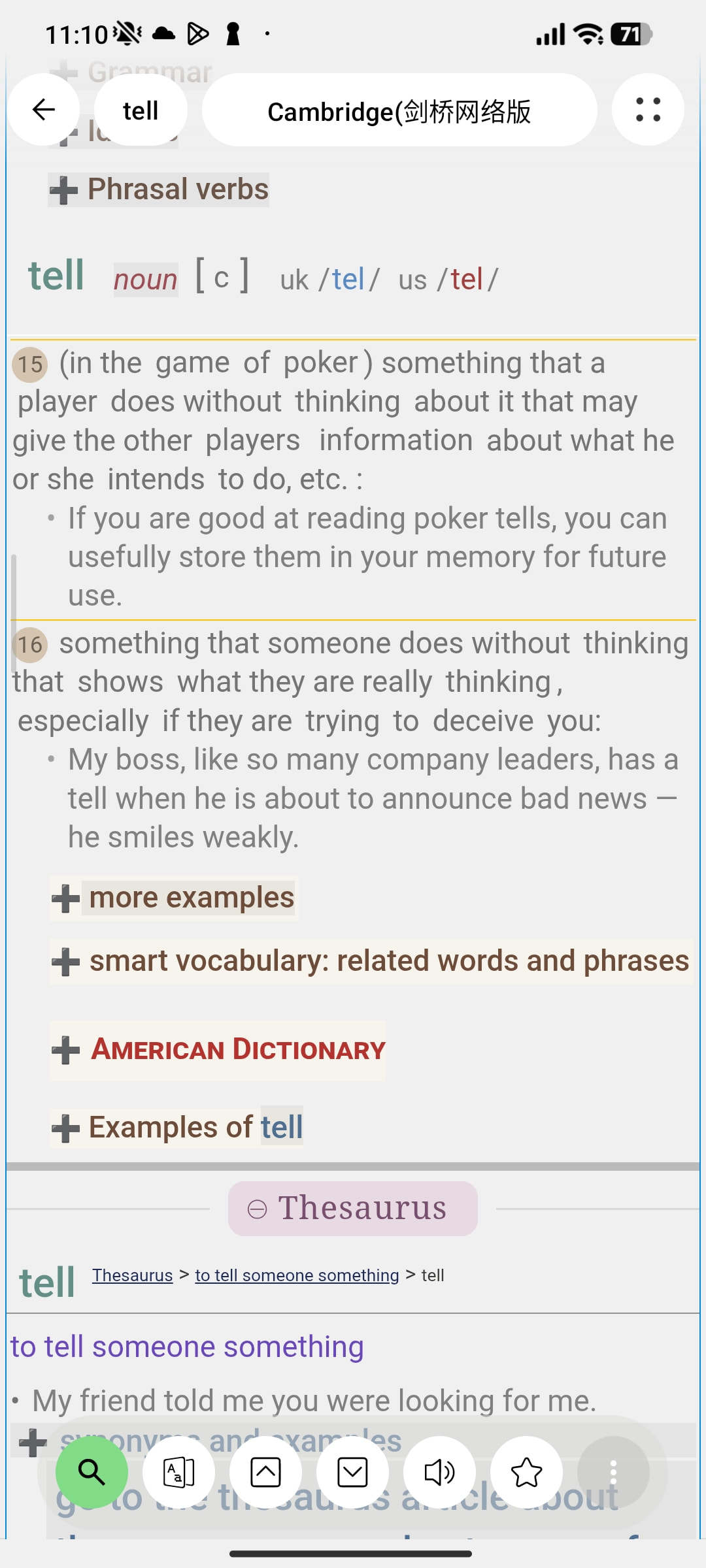
It looks good
Any one can edit it ? To cut it ?
I it shows many many entries and Most of them are duplicate entries or have no relation (not exactly what searched about) to the original entry in the dictionary that was searched for.
I mean some css file but doesn’t touch anything except cut it or at least collapse all other sections.
But keep style and colors as it .
Hello, thanks for the awesome dictionary! However, I can’t get it to display any images in my online version of the dictionary, which I tested in GoldenDict-NG, Eudict PC, and VocabDict.
Is this a known problem or something on my end? Thanks!
Can you edit original dictionary just do this:
1-remove Chinese (because it duplicate the definitios)
2-Keep original design as it and it’s colord
3-just add collapse for all examples and SMART Vocabulary and thesaurus